Shopping List Template for Stress-Free Events
 12 min read
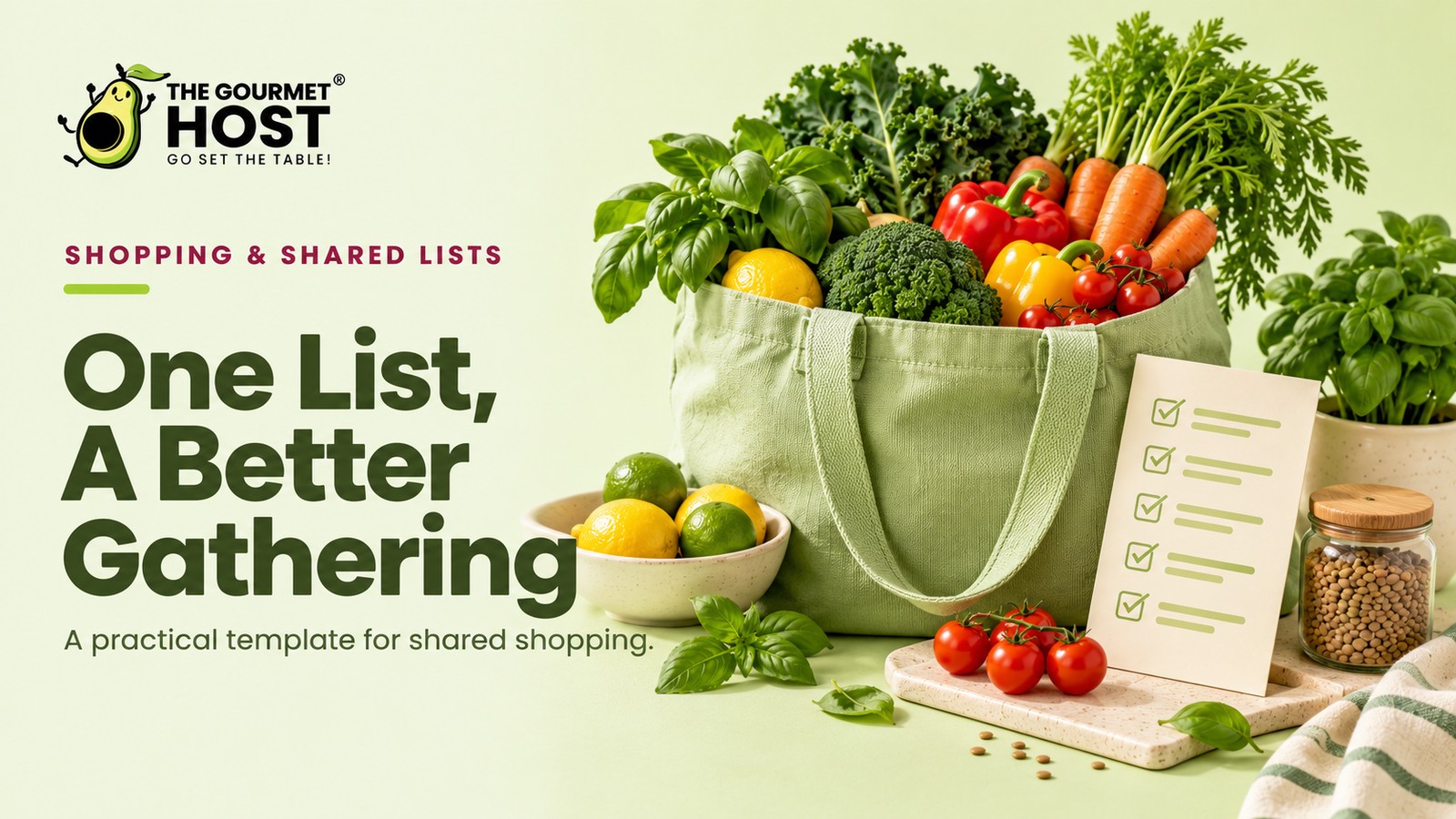
Grouping your ingredients by store geography turns a chaotic supermarket dash into a single, seamless lap.
Did you catch the missing lemon before checkout, or did you realize it while staring into a simmering pan of piccata sauce? Forgetting that one critical, brightly colored citrus is the universal penalty for scribbling items onto the back of an envelope in the order they popped into your head.
That chronological draft guarantees you retrace your steps from aisle four back to the entrance, losing thirty minutes on a Saturday morning. The real friction isn’t your memory, but how you treat the supermarket layout. Grouping your ingredients identically to the grocer’s floor plan fixes the error immediately.
Ahead, you receive a complete, printable grocery shopping list template categorized by produce, meat, dairy, and pantry to bypass duplicate transcription entirely. You will learn the core leafy-to-dense vegetable math and how to structure your core dry goods.
At a Glance
- A baseline weekly produce ratio requires two leafy greens, three dense vegetables, and up to two root vegetables.
- Grouping chilled items by dedicated cooling zones protects delicate perishables during transport.
- Purchasing holiday proteins one to two weeks early clears refrigerator space for fresh goods.
- Tracking output quantities rather than just item names ensures accurate scaling for extra guests.
Why Do You Need A Categorized Grocery Tracker?
Planning a weekend dinner party for eight guests introduces complex overlapping ingredient demands that quickly overwhelm standard blank notepads, a challenge addressed in Shopping List Meal Planner App Picks for Hosts.
Store Zones: Map the Menu to a Printable Layout
Organizing your ingredients into a categorized inventory template keeps all fresh, dry, and refrigerated items in their proper columns. You map out the entire menu on one sheet, grouping the components by their physical location in the building.
Typing out a text block on a digital notepad leaves the data disorganized. Sorting ingredients into four distinct quadrants on an editable grocery list gives you a clear visual map of the requirements. A categorized framework ensures you capture every required item on paper.
You consolidate all the root vegetables and herbs into a single fresh column, recording the exact quantities needed for the weekend menu.
| Fresh Produce | Meat & Seafood | Dairy & Refrigerated | Pantry & Dry Goods |
|---|---|---|---|
| Lemons (4 medium) | Whole chicken (4 lbs) | Unsalted butter (2 lbs) | Kosher salt (1 box) |
| Garlic (2 heads) | Ground pork (1 lb) | Heavy cream (1 pint) | Olive oil (750 ml) |
| Yellow onions (3 large) | Bacon (12 oz thick-cut) | Whole milk (1 gallon) | All-purpose flour (5 lbs) |
| Carrots (1 bunch) | Salmon fillets (4 six-oz) | Parmigiano-Reggiano (8 oz block) | Granulated sugar (2 lbs) |
| Celery (1 bunch) | Prosciutto (4 oz sliced) | Large eggs (2 dozen) | Black peppercorns (2 oz) |
| Flat-leaf parsley (1 bunch) | Beef chuck roast (3 lbs) | Sharp cheddar (8 oz) | Chicken broth (32 oz carton) |
| Yukon gold potatoes (3 lbs) | Shrimp (1 lb peeled) | Sour cream (16 oz) | Canned diced tomatoes (28 oz) |
| Roma tomatoes (4 medium) | Chicken thighs (2 lbs bone-in) | Fresh mozzarella (1 lb) | Arborio rice (1 lb) |
Populate the Grid with Menu Requirements
Moving from a blank document to this layout takes a specific sequence.
- Write the final yield of an ingredient into the correct column before opening the refrigerator.
- Strike a line through any item on the grid you already possess in sufficient quantity.
- Fill one full column entirely before adding items to the next category on the page.
- Keep a clean, unmarked copy of this grid in a desk drawer to photocopy before your next major gathering.
Defining your permanent dry goods establishes the base layer of the upcoming gathering.
|
Hosting Tip: Draft Your Inventory Before Checking Cabinets |
Printable Grocery Layouts: Mapping the Produce Grid
An editable grocery list template groups items by type rather than recipe. Setting up a grid with dedicated lines for two leafy greens, three dense vegetables, and two root vegetables formats the page for quick reading. Building these exact slots into a printable document keeps the paper tidy.
Structuring the document with predefined blank lines groups similar items together. Drawing from an essential Japanese cooking framework, a layout with a specific numeric breakdown anchors the empty template. A structured paper form replaces scattered notes with clearly labeled boxes for each plant category.
- Reserving two lines for spinach or arugula secures the space for delicate salad ingredients.
- Assigning three slots to dense items like broccoli or cauliflower formats the section for sturdy vegetables that withstand a 400-degree roasting pan.
- Leaving two blanks for carrots or Yukon gold potatoes outlines the starches required for a heavy braise.
Printing this mapped layout establishes the outer border of the document. How the dry goods section mirrors the pantry shelf determines the usefulness of the middle columns.
File Configuration: Printable and Editable Layouts
Structuring a shopping list template by supermarket aisle avoids backtracking across the store. A reliable editable file maps directly to standard page margins rather than the order of recipes. Standardizing the document on paper guarantees you can generate clean copies at once.
Configure the digital and physical files with distinct formatting sections:
- A wide left margin accommodates clipboard clips or binder rings for physical copies.
- Blank checkbox columns sit next to every line item for manual tracking on paper.
- Dedicated layout blocks at the bottom of the page capture last-minute additions.
- Expanded text fields in the digital version allow pasting bulk ingredients directly from menus.
Categorizing dynamic text fields strictly apart from static headers prevents formatting errors before printing begins. These 7 Google shopping list hacks for dinner party hosts explore digital methods for enforcing that strict separation. Securing large cuts of meat introduces a completely different timeline constraint.
Master Formats: Adapting the Printable Template
Opening a digital spreadsheet or a structured PDF exactly two weeks before a holiday clears mental space. A well-formatted printable template keeps the final document focused exclusively on exact quantities and specific aisles.
A structured grid removes the guesswork of categorizing ingredients in November. Using an editable document pulls massive, complex menu plans into a clean, legible format. Printing the finalized categories fourteen days out leaves a physical copy ready for quick reference on the refrigerator door.
- A heavy-goods column captures bulky ingredients like a twelve-pound turkey, standing rib roast, flour, sugar, canned pumpkin, and sturdy root vegetables.
- A dedicated dairy row tallies butter blocks, heavy cream, stock cartons, and hard cheeses required for the entire menu.
- A quick-reference produce block groups soft herbs, salad greens, fresh bakery bread, and delicate berries.
Organizing the ingredients across these distinct sections lowers the mental burden of hosting a large crowd. Read 8 Ways An App For Meal Prep Upgrades Your Dinner Party for general advance protein prep outside of the specific holiday window.
|
Share Your Master Sheet Digitally |
Editable Master Lists: Start With a Complete Party Roster
Relying on an editable grocery list template keeps your baseline party items permanently recorded until you actively need them. Duplicating the exact lines for olive oil, kosher salt, and cocktail ice every time you host wastes planning time.
Deploying a master list document combines menu design with precise inventory tracking. The fastest way to build a reliable grocery run is to start with a full sheet and subtract what you possess. Writing basic event ingredients by hand for every gathering creates an unnecessary hurdle.
- Open a digital document containing every staple your planned menu requires.
- Delete the items you currently have in your pantry or bar.
- Print the remaining lines as the foundation of your weekend event run.
Evaluating the best dinner party apps, 9 compared reveals that eliminating duplicate transcription is a standard feature.
What liquid volumes to purchase demands a similarly strict, reusable rule.
Beverage Template: Customizing the Mixer Rows
Stocking a bar requires structured planning rather than loose item lists. An editable grocery list template provides specific columns for tonic, club soda, and juice, keeping the inventory organized. Dedicating a specific zone on your printable sheet for heavy liquids ensures the host tracks exact quantities and bottle sizes.
When formatting a printable sheet for the store, group your beverage items into categorized rows. Organize the document so the template captures specific container sizes and provides clear checkboxes for the inventory check.
- Include a dedicated column for carbonated mixers to track specific bottle volumes and prevent purchasing the incorrect format.
- Build a row for fresh citrus juices that specifies whether the recipe calls for pre-squeezed bottles or whole fruits.
- Add a text field for specialty fruit juices to log the exact brand and flavor profile required for the signature drinks.
- Set up a numeric cell for still water and ice bags to calculate the total units the host needs to transport.
While mixers dictate the layout of the heavy liquid columns, the garnishes demand a completely different section for fragile items.
Printable Grocery Templates: The Tear-Away Pocket Workflow
A printable grocery list template functions best inside a physical meal record binder. Designing your document with a dedicated tear-away pocket workflow keeps the active market run separate from your permanent menu archives. A structured sheet ensures you retain the specific volume of items required.
Archiving winning menu combinations requires a reliable document. A physical meal record and market list system pairs historical notes in one pocket with a tear-away grid in the other. When eight guests barely finish two bottles of white wine, transferring that metric to your master checklist stops you from overbuying next December.
Storing insights centrally means you never guess if a piccata sauce requires one lemon or two. The history tells you immediately what the correct yield should be for your next printed sheet.
The two-pocket binder layout splits the printable deliverables by function.
- Permanent left-hand pages log successful consumption volumes from past parties to guide accurate purchasing.
- The right-hand tear-away sheets record specific counts to carry into the store.
- Insert sleeves track which garnishes sat untouched on the platter so you can remove them from future templates.
- A master dry goods checklist remains in the back pocket to prevent purchasing redundant spices.
Without specific volume metrics logged in the permanent binder, the entire tracking system breaks down for subsequent parties.
Inventory Layout: Structured for Exact Quantities
An editable grid ensures you never write down “potatoes” without a specific weight. This layout includes dedicated columns for the exact volume required, protecting the scale of the entire meal.
Using a structured PDF sheet forces you to categorize dairy apart from produce while prioritizing the measurements. An ingredient name without a number attached remains a suggestion, so this layout pairs every item with a unit field. A professional inventory explicitly captures “Yukon gold potatoes, 3 lbs,” ensuring the side dish scales correctly to feed eight people.
- The printable sheet provides a blank field to attach a specific poundage to every vegetable line on the grid.
- A designated section allows you to record the exact number of lemons required rather than assigning a vague citrus label.
- The chilled goods column includes space to specify fluid ounces for heavy cream to ensure you buy enough for both the sauce and the dessert.
Filling in these specific numbers on the printed layout prevents a panicked return trip to the store on Saturday afternoon.
How you handle a sudden jump in that required volume tests the flexibility of the whole system.
|
Turn Planned Meals Into a List |
Printable Layouts: Built for Direct Customization
A prepared printable grocery list template transforms a scattered meal plan into a clear purchasing map. Grouping items properly prevents backtracking through the aisles, keeping the supply run brief and highly focused.
Using an editable format allows you to customize specific inventory blocks before heading to the market. A reliable document gives you a physical sheet to track while pushing the cart. Your template should feature these functional fields:
- Blank quantity columns: Leave open space next to each ingredient line so you can quickly update volume requirements.
- Substitute options: Include a secondary line below crucial components to note acceptable alternatives if a primary item is unavailable.
- Check-off boxes: Add distinct squares next to every row to mark off secured products and prevent double purchases.
- Dietary flags: Highlight specific entries that require strict label verification upon pickup to maintain allergy safety.
Comparing formats in Is AnyList Really Free? Its Pricing vs Gourmet Host reveals platforms that handle custom groupings well. Updating your editable sheet guarantees you buy the correct amounts.
Frequently Asked Questions
How do I sort my grocery items for maximum efficiency?
Sorting ingredients into four main quadrants mirroring the store layout speeds up the entire shopping run. Group fresh produce, meat and seafood, dairy, and dry pantry goods together so you clear one specific physical zone entirely before moving your cart to the next.
What categories should appear on a standard tracker?
A standard tracker features dedicated columns for fresh produce, raw meat, chilled dairy, and dry pantry staples. Separating delicate leafy greens from heavy canned goods and raw poultry protects fragile items from dangerous cross-contamination and crushing while bagging at the final register.
When is the best time to draft a master weekend prep guide?
Drafting a master weekend prep guide on Thursday evening allows ample time to audit your existing cabinet stock before the busy days hit. Securing your shelf-stable dry goods during a quick Friday visit leaves your Saturday morning cart fully dedicated to sourcing fresh herbs and delicate proteins.
Can I reuse a single inventory sheet for multiple dinners?
Reusing a baseline inventory sheet for multiple dinners eliminates the friction of writing down recurring household staples. Maintaining a master document with permanent fields for kosher salt, olive oil, and butter ensures you only manually add the unique ingredients required for the new menu.
Should frozen ingredients be purchased separately?
Purchasing large frozen ingredients like holiday turkeys or heavy roasts one to two weeks early clears critical refrigerator space for other tasks. Moving these massive items to a staggered timeline keeps your primary shopping run focused entirely on sourcing fresh vegetables and delicate side dishes.
Why do digital tracking methods prevent overbuying?
Digital tracking methods prevent overbuying by forcing the host to attach strict volume requirements to every planned ingredient. Baking firm consumption ratios directly into a categorized grid guarantees you purchase exactly three pounds of potatoes instead of indiscriminately filling a large produce bag at the store.
Continue Reading:
More On Shopping list template:
- Google Shopping List Setup for Busy Party Hosts
- AnyList App Workflow to Master Your Grocery Run
- Shopping List Meal Planner App Picks for Hosts
- 7 Meal Planner App With Shopping List Picks to Try
- AnyList Web Setup Guide for Dinner Party Planners
More from The Gourmet Host:
- Pantry Staples Every Home Host Should Keep Stocked
- Is AnyList Really Free? Its Pricing vs Gourmet Host
- The Best Potluck Apps to Organize Who Brings What
- Birthday Party Planning: The Host’s Complete Checklist
- The Best Apps to Split Bills and Group Food Costs
Explore TGH Categories: