Shopping List Meal Planner App Picks for Hosts
 11 min read
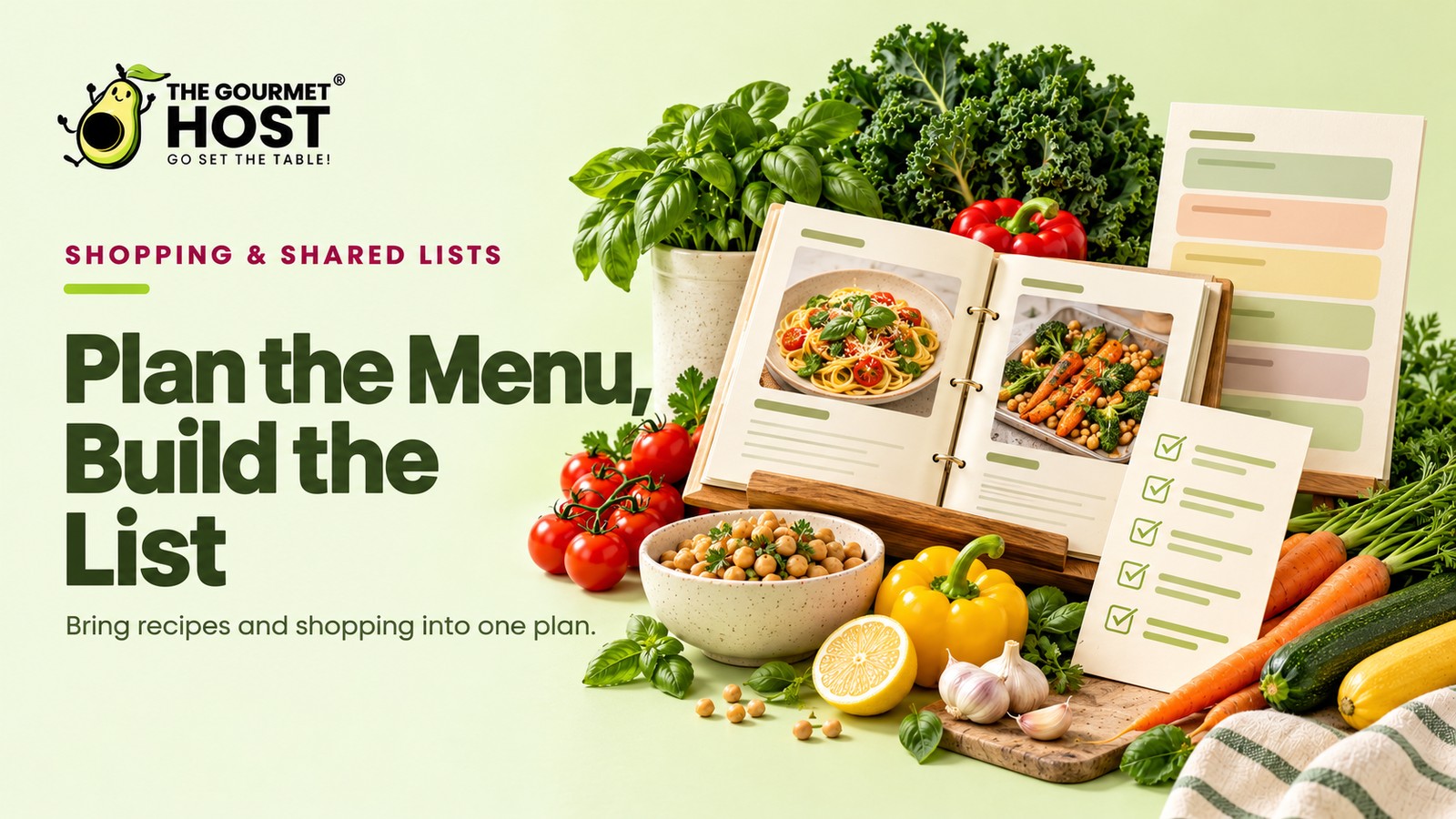
Your weekend grocery run transforms from a chaotic scavenger hunt into a precision operation when software automatically categorizes every needed ingredient by store aisle.
You are standing in checkout lane four with twelve bags of groceries when you realize the three different recipes calling for heavy cream require a total of forty ounces. The carton in your cart holds barely sixteen, and tomorrow’s six-guest brunch completely falls apart without the remaining twenty-four. Half an hour of careful pantry checks and written notes unravels because mental math failed during a crowded Friday afternoon store run.
A reliable menu plan is not a loose collection of saved web pages. It is a logistical database with a layer of automated math on top, ingredient merging, aisle sorting, and instant portion adjustments when two extra guests RSVP at the last minute.
The ideal grocery run happens when eighty-six raw ingredients seamlessly merge into one deduplicated checklist, and the host has already bought exactly what is needed before the cooking even begins.
At a Glance
- URL parsing engines strip away blog text to extract an exact 15-item ingredient list from any recipe link in under three seconds.
- Software that scales a four-person dish to serve twelve eliminates manual fraction calculations at the cutting board.
- Aisle-sorted checklists reduce a forty-minute supermarket trip to under fifteen minutes of targeted walking.
- Collaborative sync tools push grocery list updates to a second mobile device within two seconds of checking off a box.
- Barcode scanning software logs up to 50 daily pantry staples into a digital inventory to track remaining ounces of ingredients accurately.
What Is a Digital Menu Manager?
A digital menu manager is a digital meal planner extracting and categorizing ingredients into a single shopping list. The software scales measurements to match your guest count, bridging the gap between discovering a brilliant dish online and physically securing the exact quantities required without overbuying. The rest is the mechanism.
App Setup: Integration Versus Simple Notes
True organizational systems parse recipe data into workable numbers, whereas basic text documents only store flat text. A robust platform extracts serving sizes and ingredients so you can adjust the math instantly.
A true meal management system links cooking instructions directly to your grocery checklist.
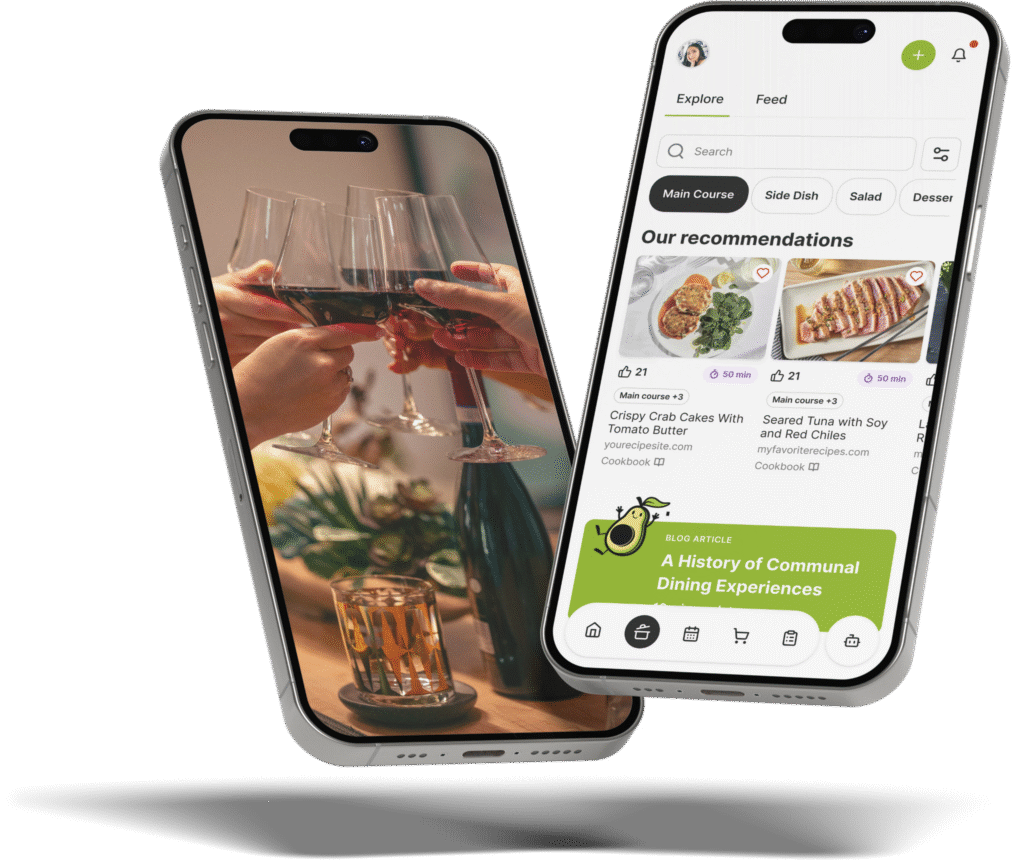
CookBook enables users to construct a flexible five-dinner weekly meal plan from saved recipes, adjust serving counts, and generate a merged shopping list. You never have to manually calculate how many chicken thighs feed ten people.
Conversely, standard notes apps force you to do the math yourself. You type out every single measurement by hand. Dedicated software like Plan to Eat automatically combines recipe ingredients into a unified grocery list sorted by aisle, consolidating identical ingredients from multiple recipes into a single line.
- Static text notes: Require manual updating every time a guest count fluctuates by even one person.
- Dynamic databases: Instantly multiply 0.25 cups of olive oil to 1.5 cups when a dinner scales from two to twelve attendees.
- Aisle categorization: Sorts items physically by produce, dairy, and dry goods to match supermarket layouts.
- Pantry tracking: Subtracts ingredients you already own from the final checkout requirements.
Understanding this structural difference reveals why building a schedule from scratch is completely unnecessary.
|
Build A Custom Dinner Menu |
Menu Myths: Why You Do Not Need to Build Every Plan Manually
The belief that organizing a week of dinners requires hours of manual data entry is false. Modern platforms shift the focus from writing out individual items to slotting complete dishes into an organized weekly schedule.
Applications like Munchi automatically combine ingredients into a single grocery list while allowing users to generate weekly meal plans across breakfast, lunch, dinner, and snacks from web and social media recipes. Users can pair this structured planning grid with an Easy Meal Ideas for 10 People: 3 Tested Blueprints framework to scale portion sizes up for larger group dinners.
- Assigning recipes directly to the weekly meal grid ensures breakfast, lunch, dinner, and snacks all receive dedicated slots.
- Cross-platform syncing ensures the checklist built on a laptop appears immediately on a mobile device in the store.
- Sorting dishes by meal category prevents overlapping ingredients and keeps the daily cooking schedule clear.
Eliminating manual data entry shifts the focus toward comparing specific application features for individual hosting workflows.
Best Overall Workflows: Organizing CookBook and ReciBites
The best comprehensive systems handle both recipe ingestion and automated math without requiring workarounds. They act as centralized hubs that turn a disorganized collection of screenshots into an actionable, deduplicated buying strategy.
If you host frequently, you need a tool that handles the entire pipeline from discovery to checkout. We will examine how these platforms handle the heavy lifting.
For example, ReciBites converts saved recipes into automated grocery lists that consolidate duplicate ingredients and group items by store aisle.
- Narrative removal: Extracting core instructions eliminates the need to scroll past long blog text.
- Mobile access: Centralizing your meal data allows you to pull up the exact cooking time from your phone.
- Aisle mapping: Organizing items by physical store aisle cuts standard grocery runs down by at least twenty minutes.
Platform Consolidation and Flexibility
Table 1: Pick 1 – Best Overall Consolidation
| Workflow Feature | Manual Baseline | ReciBites System |
|---|---|---|
| Recipe Import Time | 15 minutes of typing | 3 seconds via URL paste |
| Ingredient Merging | Relies on manual addition | Combines duplicate spices instantly |
| Store Navigation | Random unorganized list | Categorizes by physical aisle |
| Ad Removal | Requires scrolling past stories | Extracts core instructions only |
Table 2: Pick 2 – Best Overall Flexibility
| Planning Metric | Standard Note App | CookBook Platform |
|---|---|---|
| Weekly Framework | Blank daily text fields | Flexible five-dinner grid |
| Serving Adjustments | Requires recalculating fractions | Scales portions with one tap |
| Checklist Generation | Copy and paste ingredients | Pulls directly from the plan |
| Offline Access | Drops out without cellular data | Caches recipes locally |
To look specifically at early-stage prep functionality, check out 4 Meal Prep App Reviews for Easy Dinner Party Menus. Premium features offer incredible depth, but hosts working within a tight budget still have powerful alternatives available.
Shopping Lists: Turning Meal Plans Into Groceries
A reliable meal planning application converts a selected menu directly into an actionable grocery list. This feature eliminates manual transcription errors and groups ingredients by supermarket aisle, saving significant time during the final prep phase.
Manual list writing leaves room for missed ingredients, especially when scaling recipes for a larger crowd.
Digital tools automatically calculate total volumes, merging two tablespoons of butter from an appetizer and a half-cup from the main course into a single line item.
Applications like Paprika download recipes from any website and parse the required ingredients into a unified list. Users can check off pantry staples they already own before heading to the store.
Another option, AnyList, allows hosts to share the active grocery list with a partner. If one person picks up the fresh produce, the other can see those items crossed off in real time, preventing duplicate purchases.
- Consolidating identical ingredients across multiple recipes cuts down on repeated trips down the same aisle.
- Syncing lists across family devices allows multiple people to divide and conquer a massive grocery run.
- Categorizing items automatically by store department speeds up the physical shopping process.
| Core Function | Standard Tool | Premium Upgrade |
|---|---|---|
| Recipe Parsing | Reads standard formatting | Extracts text from photos |
| List Sorting | Alphabetical order | Grocery aisle grouping |
| Inventory Tracking | Manual entry only | Barcode scanning support |
| Store Integration | Export to text file | Direct cart syncing |
Generating an accurate shopping list makes executing a Complete Dinner Menu: A Full Meal Plan from Start to Finish highly predictable.
|
Hosting Tip: Chill White Wine to a Set Temperature, Not Just Cold |
Crowd Sizing: Scaling Quantities in Paprika and Munchi
Paprika provides an automated scaling tool that multiplies portion sizes directly within the digital recipe card. Users enter their target serving count, and the platform adjusts every measurement instantly. This built-in function updates all ingredient volumes before sending them to a master grocery sheet.
Holiday tables and large gatherings push standard recipes past their original design. Paprika Recipe Manager handles this volume increase by pairing its recipe scaling tools with an aisle-sorted grocery list generator. The application also provides a built-in pantry inventory tracker to monitor those updated quantities.
Furthermore, the platform Paprika lets users clip recipes from web pages while stripping out advertisements and stories. It then exports the imported ingredients directly into organized grocery lists.
- Automatically converting 0.33 cups into full cup measurements updates the required shopping quantities instantly.
- Scaling a base protein up for a large gathering guarantees a sufficient volume for the main course.
- Multiplying dry seasonings correctly ensures the final dish tastes exactly like the original.
| Scaling Factor | Standard Baseline | Scaled Conversion |
|---|---|---|
| Base Protein | 12 ounces of flank steak | 72 ounces required |
| Spice Ratios | 0.5 teaspoons of cumin | 3 teaspoons calculated |
| Liquid Volumes | 0.25 cups of broth | 1.5 cups measured |
| Baking Ratios | 1 large egg needed | 6 whole eggs scaled |
This digital precision helps you prepare Family-Style Wedding Menus with Shared Platters without second-guessing your ingredient volumes. Scaling yields massive ingredient lists, creating an immediate need to deduplicate the overlapping items across the shopping sheet.
Overlap Logic: What Consolidating Identical Ingredients Actually Solves
Aggregating ingredients across multiple recipes prevents redundant buying and reduces food waste.
Without consolidation, a host buys three separate bags of flour for a baking weekend because each recipe lists it independently. You return home with a massive surplus that clutters the pantry for months.
Strategic planning solves this completely. A five-dinner meal plan designed with compatible ingredients maximizes ingredient reuse to simplify the resulting shopping list, according to Summit Plate.
This overlap logic is an effective Kitchen Hacks for Cooking: Prep, Store, Host Easier you can adopt.
- Data deduplication: Identifies that “yellow onion” and “medium onion” refer to the same raw material.
- Unit conversion: Automatically converts 16 tablespoons of butter into two solid sticks for the final checklist.
- Surplus reduction: Highlights when a recipe requires only half a cabbage, prompting you to plan a slaw.
That high-level consolidation directly translates into saved hours during the final countdown to your event.
|
Share Your Grocery Checklists |
Host Schedules: What This Means for Your Next Dinner Party Timeline
Grocery apps convert a scattered shopping trip into a targeted route by automatically sorting your ingredient list into specific store zones. Grouping items by their physical location in the aisles removes the backtracking that otherwise drains your prep window.
Platforms like Recipe One construct shopping lists directly from saved and planned recipes by automatically merging ingredients and categorizing them by aisle. You walk into the store with a precise map, gathering everything needed for Non-Alcoholic Drink Pairings to Match Any Meal Course exactly when you pass the beverage and produce sections.
- Sorting by store layout lets you pick up heavy root vegetables first and delicate herbs last without rearranging the cart.
- Grouping produce together in the digital view means you only walk down the vegetable aisle once.
- Pinning dairy and frozen goods to the end of the routed list keeps perishable items cold right up to checkout.
Following a routed path through the store guarantees you gather everything in a single sweep. You bypass the crowded center aisles, secure the exact ingredients, and return to your kitchen ready to cook.
Frequently Asked Questions
Can these platforms import directions directly from food blogs?
Pasting a food blog URL directly into a recipe platform pulls the exact cooking instructions alongside the required grocery ingredients. The software automatically bypasses the lengthy narrative sections and digital advertisements, extracting only the step-by-step techniques and oven temperatures needed to execute the dish successfully.
How do automated platforms handle different measurement systems?
High-quality software converts metric grams into imperial cups instantly. When a European recipe calls for 250 grams of flour, the system calculates the equivalent volume for American cooks, ensuring the resulting checkout requirements remain accurate without requiring manual conversion charts.
Do free application versions restrict the number of saved recipes?
Free application versions typically cap a digital recipe collection at a firm limit of 50 to 100 total dishes. Upgrading to a paid premium subscription entirely removes this ceiling, allowing you to store unlimited URLs and build expansive weekly frameworks without hitting a storage wall.
What happens when a specific ingredient is marked as out of stock?
Removing an unavailable item from your digital checklist triggers a rapid adjustment phase. You can immediately search the internal database for a 1:1 substitute, such as swapping sour cream for Greek yogurt, and update the required quantity before leaving the store aisle.
Is it possible to share premium access across one household?
Family sharing features allow multiple users to log into the same synchronized database. A host can adjust the required chicken quantity on a laptop at home, and the updated 32-ounce requirement immediately appears on the co-host’s mobile device inside the supermarket.
Why does automated merging sometimes miscalculate spice amounts?
Software struggles when recipes use vague descriptors rather than precise volumes. A dish calling for “a pinch of salt” conflicts with one demanding “two teaspoons of kosher salt,” forcing the platform to list them separately rather than combining them into a single measurable unit.
Continue Reading:
More On Shopping list template:
- Shopping List Template for Stress-Free Events
- Google Shopping List Setup for Busy Party Hosts
- AnyList App Workflow to Master Your Grocery Run
- 7 Meal Planner App With Shopping List Picks to Try
- AnyList Web Setup Guide for Dinner Party Planners
More from The Gourmet Host:
- Easy Meal Ideas for 10 People: 3 Tested Blueprints
- 4 Meal Prep App Reviews for Easy Dinner Party Menus
- Complete Dinner Menu: A Full Meal Plan from Start to Finish
- Meal Ideas for Picky Eaters the Whole Family Loves
- Kitchen Hacks for Cooking: Prep, Store, Host Easier
Explore TGH Categories: