
Menu Planning
A Menu Planning App Built Around One Dinner Party
A dinner party menu planner built from 500+ tested recipes, with the grocery list tied to the same event.


 Scan to install
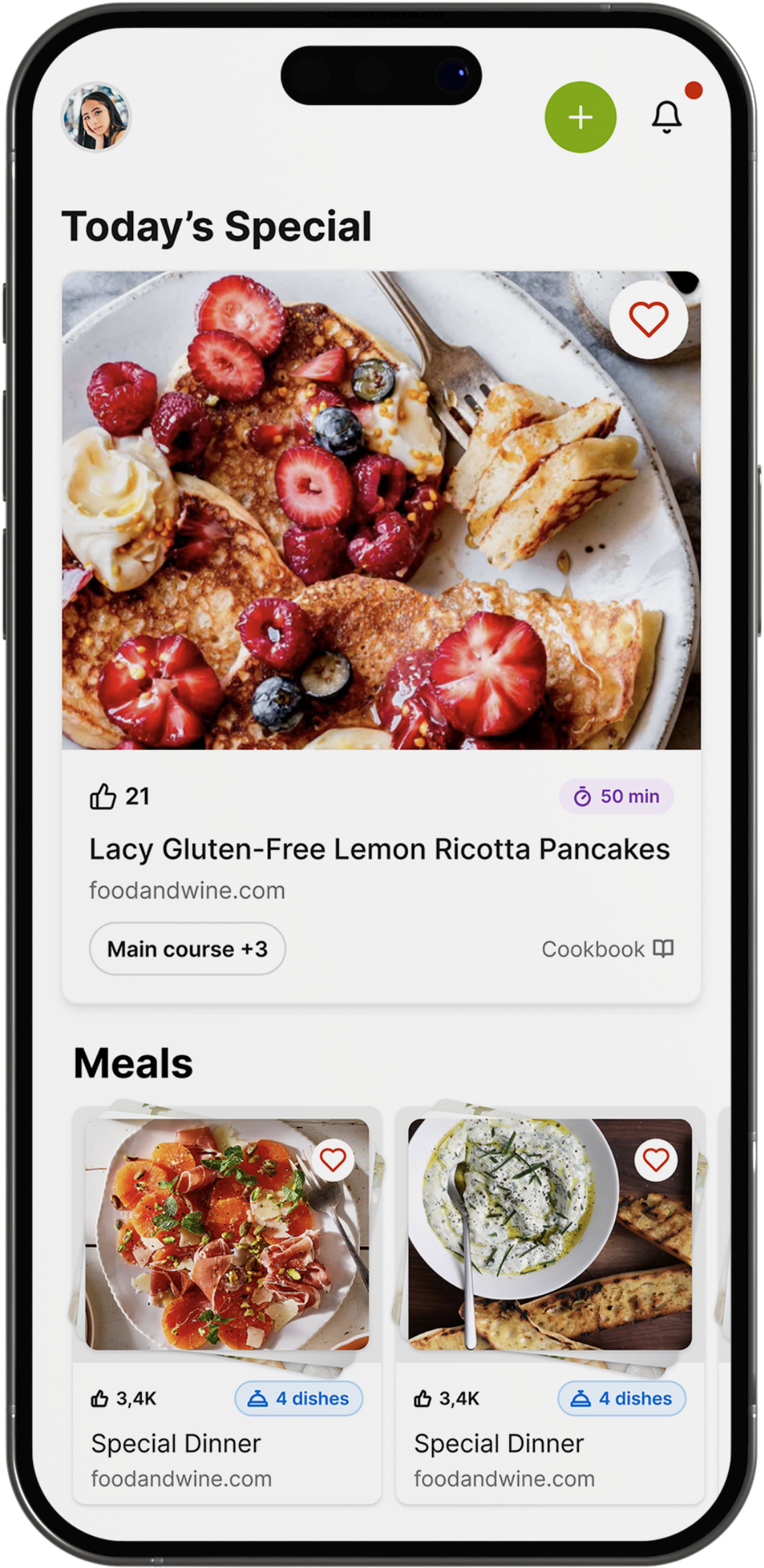
Built from 500+ Recipes
Pull dishes into the menu from a tested recipe library, no blank page to start from.
Menu Tied to the Guest List
One event holds the menu, the guest list, the RSVPs and the dietary notes together.
Grocery List Updates Itself
Change a dish and the shared grocery list for that event updates with it.
Generous Free Tier
Free to download on iOS and Android, with optional paid plans from $4.99 a month.
What a Menu Planning App Needs When You Are Feeding Guests
A menu planning app for guests needs the dishes, the head count and the dietary notes in one place. The Gourmet Host builds the menu from 500+ tested recipes.
A dinner party menu planner keeps the menu inside the same event as the guest list, so a change to one of them reaches the other.
- Recipes pulled straight into the menu, no retyping
- Dishes assigned to co-hosts as the menu builds
- Dietary needs synced with the same event’s RSVPs
- Grocery list updates the moment a dish changes
Related: recipe organizer
Scan to install
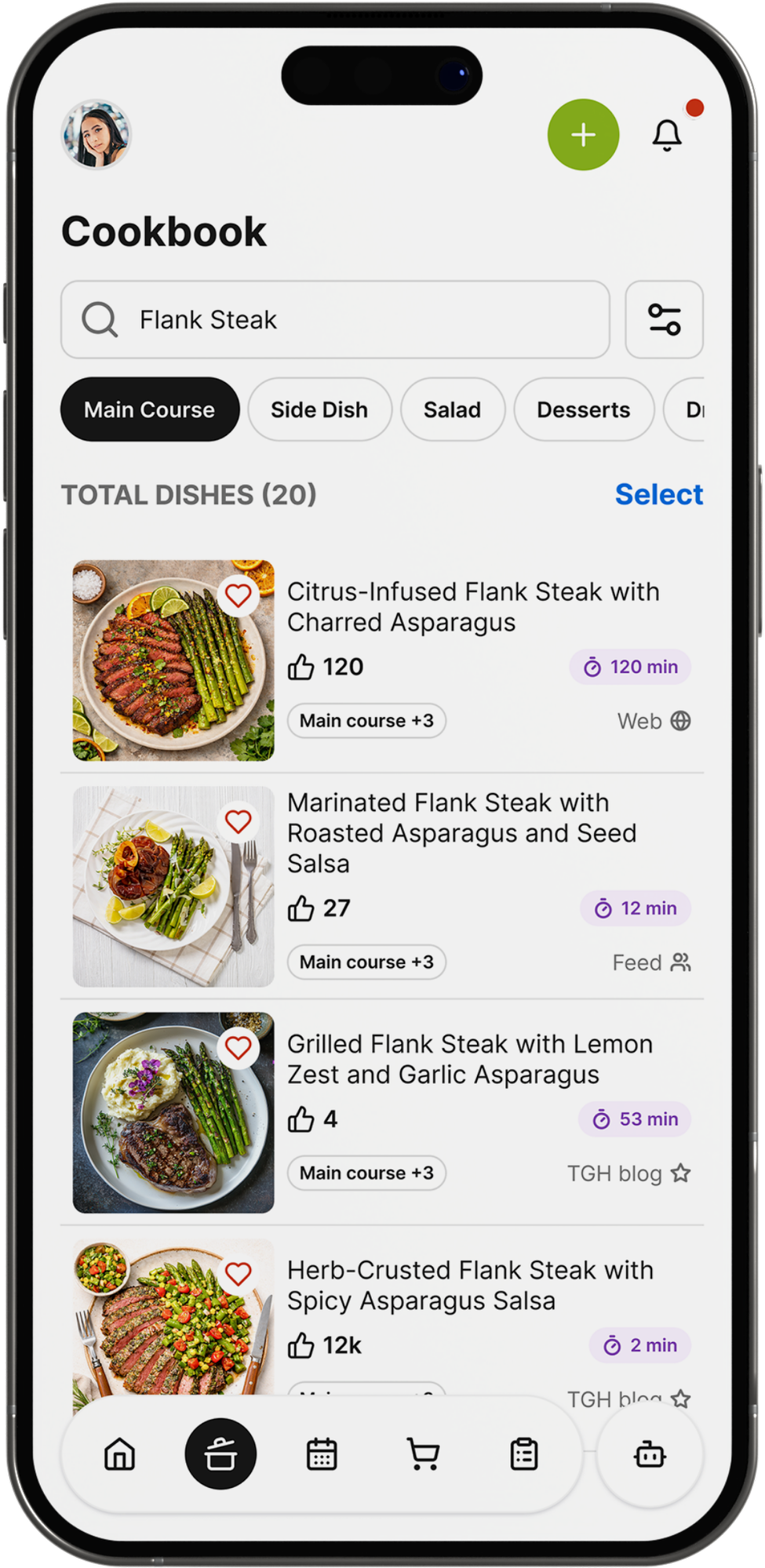
A Meal Planning App With Grocery List Attached
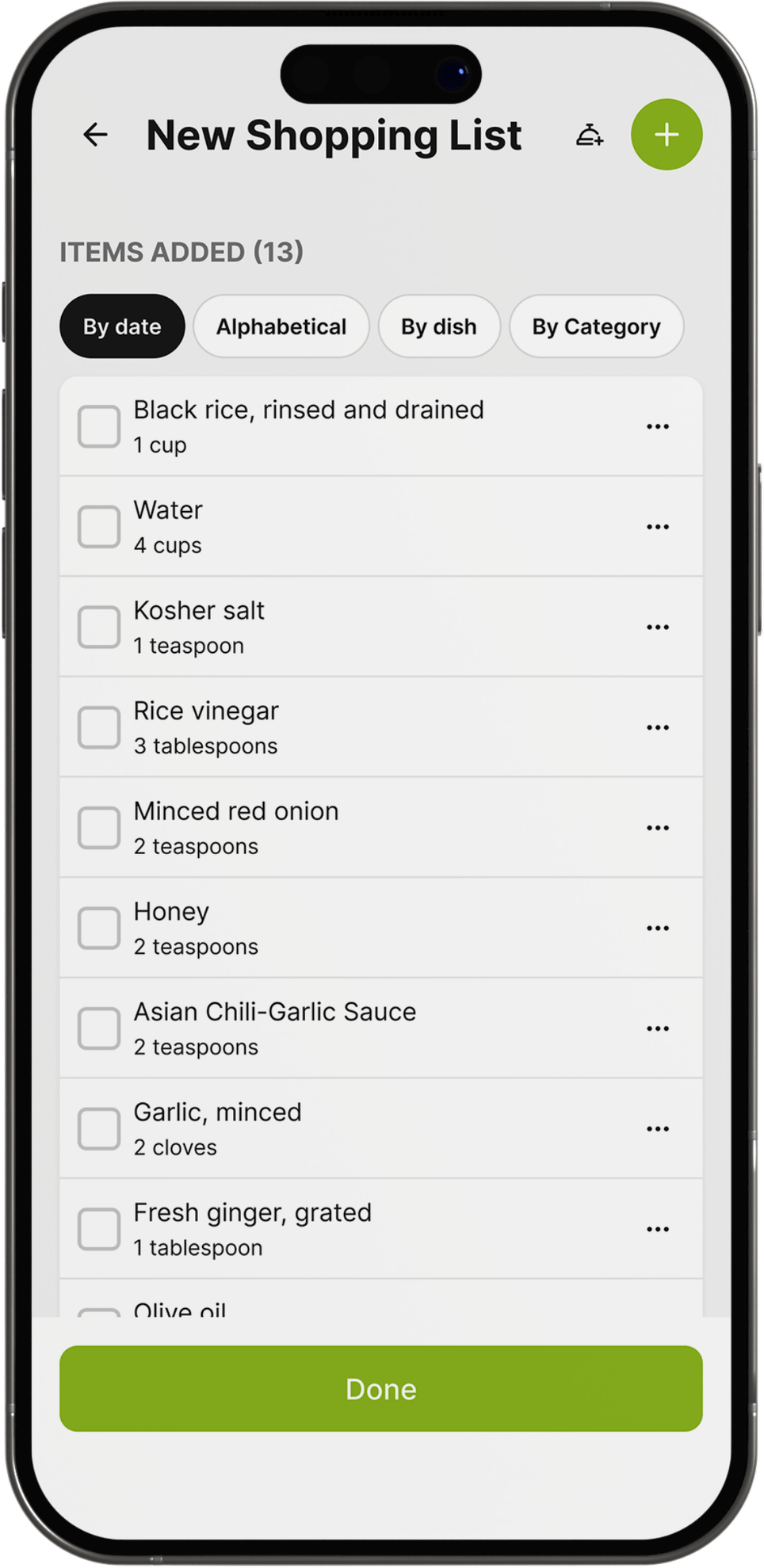
Every dish added to the menu sends its ingredients to the shared grocery list. Swap a dish and the list follows, with nothing to retype at the store.
The same list is open to co-hosts, so whoever reaches the store first shops from the menu you built together rather than a screenshot.
- Appetizers, mains and sides from the library
- Grocery list built straight from the menu
- Guest list and RSVPs tied to the same event
- Works the same for a weekly shop or a party
Related: grocery lists, how The Gourmet Host compares to Plan to Eat
Scan to install

Looking for a Mealime Alternative?
Mealime is being discontinued on October 21, 2026, according to the closing notice on its website. If you plan the week’s meals there, now is a good time to pick a replacement.
Switching means replacing two jobs: planning meals from a recipe library, and a grocery list built from that plan. The Gourmet Host does both, on iOS and Android.
- Plan meals from 500+ tested recipes
- Grocery list built straight from your plan
- Keep go-to recipes in a personal cookbook
- Free to download, with a generous free tier
Related: how The Gourmet Host compares to Mealime
Scan to install
Where Mealime, Plan to Eat and Samsung Food Stop
| Feature | The Gourmet Host | Mealime | Plan to Eat | Samsung Food |
|---|---|---|---|---|
| Menu planning | Menus built from 500+ tested recipes | Weekly meal plans generated from stated preferences | Planning calendar for any length of time, reusable meal plans | Weekly meal plans convert directly to shopping lists |
| Recipes | Personal cookbook of saved recipes | Recipe library with step-by-step cooking instructions | Recipe clipper imports from websites and photos into cookbook | Saves recipes from any website plus a public recipe library |
| Grocery lists | Shared grocery and task lists that sync | Auto-generated grocery list with retailer delivery options | Automated shopping list from the meal plan, sorted by aisle | Grocery lists can be shared with family and friends |
| Dietary needs | Dietary needs captured with each RSVP | Diet settings for vegetarian, vegan, keto and more, allergy exclusions | Not stated on its site | Nutrition tracking and goals included on the free tier |
| Invites and RSVPs | Invites, RSVPs and dietary notes in one place | Not included | Not included | Not included |
| Who brings what | Assign dishes to co-hosts, everyone sees the plan | Not included | Not included | Not included |
| Cost splitting | Event costs tracked and split with co-hosts and guests | Not included | Not included | Not included |
| Price | Generous free tier; optional paid plans from $4.99 a month | Pro normally $2.99 a month, free now ahead of shutdown | $5.95 a month or $49 a year, 14-day free trial | Free tier; Samsung Food+ $6.99 a month or $59.99 a year |
| Platforms | iOS and Android | iOS and Android | iOS, Android and web | iOS, Android and web |
Facts checked 2026-09-04 on each product’s own site or store listing.
Build Tonight’s Whole Menu
Free on the App Store and Google Play.
Scan to install
More features
 Invitations and RSVPsAn invitation app and RSVP app in one: send the invite, then watch replies land beside your menu.
- Recipe organizer and cookbookOne digital cookbook for every recipe you save, then a menu and grocery list built straight from it.
- Grocery and task listsA shared grocery list app tied to the menu and guest count, updated the moment either one changes.
- Cost splittingTrack every dinner party cost, then split it across your co-hosts and guests, all inside one event.
- Potluck organizerA potluck app holding the potluck sign up sheet next to your invites, RSVPs and dietary notes.





FAQs
Turn This Menu Into the Party
Download The Gourmet Host’s generous free tier and keep the list in sync.
Scan to install