AnyList Web Setup Guide for Dinner Party Planners
 11 min read
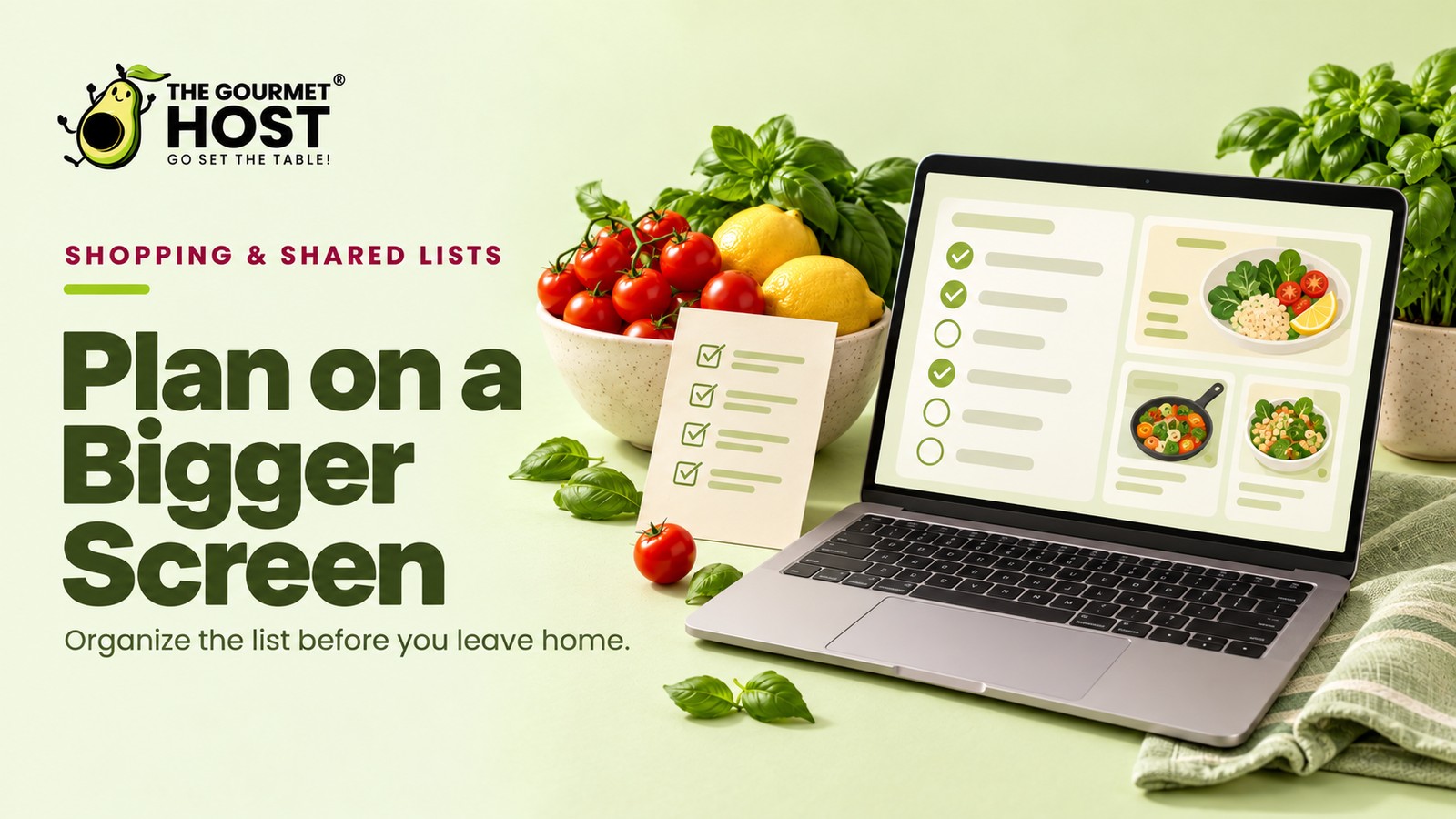
Commanding a multi-course dinner party requires more than a small glass screen.
Because “I just texted you the link to the tart” is the sentence that breaks a host’s concentration, coordinating a twelve-person menu on a phone quickly turns into a copy-and-paste marathon. Treat your ingredient logistics as a desktop operation rather than a mobile convenience, and the planning phase stops fighting you. A physical keyboard transforms scattered recipe links into a concrete action plan, while a wide monitor gives you the visual space to spot overlapping oven temperatures before guests arrive.
What follows maps the AnyList web configuration required to build your event control center: securing the subscription tier, syncing real-time changes across platforms, deploying the browser extension, and capturing accurate ingredient data. You will establish a centralized grocery hub so the actual cooking runs on preparation instead of panic.
At a Glance
- An active premium subscription unlocks the desktop platform for complex event planning.
- Real-time synchronization mirrors every keyboard edit directly to connected mobile devices.
- Browser extensions clip full ingredient tables from food blogs with a single click.
- Standard schema microdata ensures accurate scraping without manual text highlighting.
- A physical monitor setup prevents overlapping oven schedules by displaying multiple recipes at once.
What Is the Desktop Command Center?
Moving your dinner party preparation to a computer requires logging into the AnyList web application and authorizing your current mobile account credentials to activate two-way data synchronization. Configuring this browser-based interface gives a host the technical capacity to install the companion recipe importer extension, assign keyboard commands for rapid text formatting, and adjust backend category sorting before scheduling a grocery delivery. The initial setup establishes a permanent communication link between your internet browser and your active shopping database, guaranteeing every imported recipe requirement or portion adjustment registers across all connected hardware immediately.
Interface Tools: Side-by-Side Recipe Layouts and Keyboard Shortcuts
The AnyList web interface provides a two-column layout that displays your active grocery checklist beside your saved recipes. Logging into the browser application gives you access to standard keyboard shortcuts to add and organize items rapidly.
Operating in a browser window gives you full view of the AnyList Complete tier architecture. When you build a seven-item tapas menu, you see the roasted almonds directly beside the garlic shrimp to easily spot overlapping spice requirements. The side-by-side design puts the 14 best weekly meal planners in perspective, mapping scaling buttons and category tags on the exact same screen.
The browser environment supports bulk text commands through standard keystrokes. Before starting a full how to plan a holiday dinner party menu outline, using these keybinds allows you to format complex grocery lists without constantly clicking through menus.
- Split-pane navigation: The browser layout anchors your recipe library on the right while keeping the active grocery list visible on the left side.
- Multi-item pasting: Pasting a copied text block into the AnyList input field generates separate checklist entries for each line automatically.
- Tab navigation: Pressing the tab key allows you to assign custom ingredients to specific supermarket aisles without touching a mouse.
- Batch selection: Holding the shift key lets you highlight multiple list items to categorize or delete them simultaneously.
Mapping out your required groceries leads directly to organizing the cooking timeline.
|
Hosting Tip: Buy Produce Two Days Before the Event |
Complete Tier: Unlocking the Desktop Application
Accessing the browser-based AnyList command center requires AnyList Complete. This subscription authenticates your profile on standard computers and permits unrestricted recipe clipping across the internet.
The baseline free tier supports quick grocery runs, but serious event coordination relies on the desktop interface.
Household Synchronization
Upgrading provides distinct value for families managing shared kitchens. A household plan allows multiple people to access the desktop interface simultaneously without maintaining separate event databases.
Securing that household plan allows a co-host to log in from their own laptop, which proves useful whether you are hosting Thanksgiving or figuring out how to split food costs on a group camping trip.
Activating this tier is your starting point.
- Open the official website and locate the account settings menu.
- Select the upgrade option that matches your expected user count.
- Process the annual payment through the secure portal.
- Refresh the page to reveal the newly activated desktop dashboard.
Activating the desktop dashboard provides the space to plan, shifting the focus to how those lists sync back to your phone in the kitchen.
Interface Navigation: Establishing the Cross-Platform Sync
The cloud infrastructure instantly mirrors every modification you make on the monitor directly to your pocket device. This immediate handshake guarantees that the grocery breakdown you refine on Tuesday night is exactly what you see in the store on Thursday morning.
Synchronization requires no manual refresh buttons or wired connections. The desktop app architecture syncs across multiple devices in real-time, allowing web browser users to manage shopping lists, meal planning, and recipe imports without delay. A change processed on a Windows laptop appears on an iOS device milliseconds later.
Managing the Cloud Connection
This constant communication protects your progress if the internet connection briefly drops. Offline changes queue locally and push to the server the moment Wi-Fi restores.
The interface actively handles conflicts if two people edit the same menu simultaneously, preserving the most recent keystrokes. Once your monitor setup is running, 7 AnyList App Tips for Flawless Dinner Parties handles mobile execution for the actual grocery run.
- Immediate updates: Edits register across all logged-in hardware instantly.
- Background processing: The syncing protocol runs silently without interrupting your workflow.
- Conflict resolution: The system accepts the latest timestamp if simultaneous edits occur.
- Cross-system harmony: Windows, Mac, iOS, and Android ecosystems communicate flawlessly.
How do you funnel actual recipes into this newly synchronized environment?
|
Master Your Event Grocery Run |
Browser Outfitting: Installing the Official Web Clipper
Adding a dedicated extension to Chrome or Safari transforms any culinary website into a direct pipeline for your upcoming gathering. A single click captures the title, ingredient yields, and procedural text without forcing you to copy and paste paragraphs manually.
The native apps for your recipes ecosystem thrives on this integration. The platform features a web clipper and browser extensions that allow users to pull recipes directly from websites into their collection. The add-on sits quietly in the toolbar until you land on a promising braised short rib tutorial.
Saving to the Cloud
Clicking the icon opens a compact sidebar overlay on the current page. You review the captured text, assign it to your dinner party category, and save it directly to the cloud.
Having a seamless way to collect the best make ahead appetizers for crowds saves you hours of manual transcription.
- Open your preferred internet browser’s official add-on store.
- Search for the official web clipper associated with the platform.
- Grant the required permissions to read site data upon installation.
- Pin the new icon to the permanent toolbar for rapid access.
While manual entry works for simple sides, leveraging the automatic scraper ensures you never type out a full ingredient list again.
Schema Parsing: Scraping Ingredients Accurately
The clipping tool bypasses long personal anecdotes on food blogs by reading the hidden, structured code embedded in the page. This precise extraction guarantees that you grab only the required garlic cloves and olive oil volumes, ignoring the author’s travel memories entirely.
Websites format their culinary instructions using a specific background language. When authors optimize how to turn your blog into a recipe resource, they ensure the code is readable. The tool relies on standard schema microdata on websites to parse and import recipes into its recipe management app.
Background Extraction Mechanics
Consider a complex beef bourguignon page loaded with fifty photographs. The extension scans for the background tags, immediately isolating the exact onion and wine quantities.
The interface then standardizes these fragments into clean, actionable checkboxes for your grocery run, working flawlessly whether you are clipping a quick dressing or a complex wine pairing guide for dinner parties.
- Tag targeting: The tool looks specifically for ingredient lines.
- Volume isolation: Measurements are separated from descriptive text.
- Extraneous filtering: Personal stories and photos are ignored completely.
- Yield scaling: The base serving size is captured for future multiplication.
| Culinary Website Element | Behind-the-Scenes Microdata Tag | Desktop Command Center Output |
|---|---|---|
| The dish name in large header font | name | Bold title assigned to the card |
| Total servings slider | recipeYield | Baseline portion metric for scaling |
| The bulleted grocery requirements | recipeIngredient | Individual checklist lines |
| The numbered preparation phases | recipeInstructions | Sequential methodology block |
| The stated cooking duration | totalTime | Reference metric for the prep schedule |
Mastering this import mechanism ultimately gives you the clarity needed to dictate your entire event timeline.
|
Coordinate Tasks With Co-Hosts |
Master Timelines: Sorting Tasks into Chronological Folders
Organizing tasks by execution time turns an extensive menu into a structured plan. AnyList for the web lets you drag items from imported recipes directly into chronologically sorted folders.
You arrange the entire weekend schedule into distinct time blocks to guarantee everything happens in the correct sequence.
Delegating the Execution
Adding custom notes to these specific categories staggers the preparation logically. You build a timeline by creating distinct list categories for each day, assigning tasks to specific blocks of time.
- Thursday prep: Dice the mirepoix and wash hearty greens.
- Friday morning: Chill the white wine and set the dining table.
- Saturday arrival: Sear the primary protein just before the doorbell rings.
The AnyList folder setup proves its worth here, ensuring every logistical detail synchronizes instantly to mobile devices. Your final step is to share the finalized index with a partner.
Send the synced checklist to their phone, hand them the car keys, and focus entirely on how to set a formal dining table before the guests arrive.
Frequently Asked Questions
Can I use the desktop portal without an active premium subscription?
The desktop web portal requires an active Complete tier subscription to function. While the basic mobile application operates for free, accessing your command center from a computer monitor remains locked behind the paid upgrade. This separation helps maintain the underlying cloud infrastructure that powers instant synchronization.
What browser extensions pair best with this particular interface?
The official web clipper extension serves as the only required add-on for this interface. It integrates perfectly with Chrome, Safari, Firefox, and Edge, allowing you to scrape ingredient data without relying on third-party scrapers. Installing the native tool guarantees the most accurate data parsing.
Do offline changes sync automatically once internet is restored?
Offline modifications sync immediately to the server the moment your device regains an internet connection. The local software stores all keystrokes safely in the background, pushing the updated timeline to your partner’s phone as soon as the Wi-Fi signal stabilizes. You never lose your progress.
How exactly does real-time synchronization between devices work?
Real-time synchronization operates through a continuous cloud handshake that mirrors your desktop actions to connected mobile platforms. When you check off an ingredient on your laptop, the central server registers the timestamp and updates all logged-in devices within milliseconds, preventing duplicate grocery purchases entirely.
Is a separate household login required for partner access?
A separate household login is completely unnecessary when coordinating your dinner party prep. The family subscription tier allows multiple users to sign into the exact same dashboard using linked profiles, keeping every host focused on a single master checklist.
When will the platform support importing from encrypted websites?
The platform currently supports importing ingredients from secured websites, provided the page utilizes standard schema microdata tags. As long as the food blog formats its text properly, the clipper extracts the required measurements. Pages hidden behind hard paywalls remain inaccessible.
Continue Reading:
More On Shopping list template:
- Shopping List Template for Stress-Free Events
- Google Shopping List Setup for Busy Party Hosts
- AnyList App Workflow to Master Your Grocery Run
- Shopping List Meal Planner App Picks for Hosts
- 7 Meal Planner App With Shopping List Picks to Try
More from The Gourmet Host:
- How to Split Food Costs on a Group Camping Trip
- The Gourmet Host vs AnyList: Grocery Lists That Go Further
- The Gourmet Host vs Plan to Eat: Which Mobile App Fits Your Kitchen?
- Best Party Planning Apps for Hosts and Their Guests
- The Best Meal Train Apps to Organize Group Meals
Explore TGH Categories: