The Best Apps to Split Bills and Group Food Costs
 15 min read
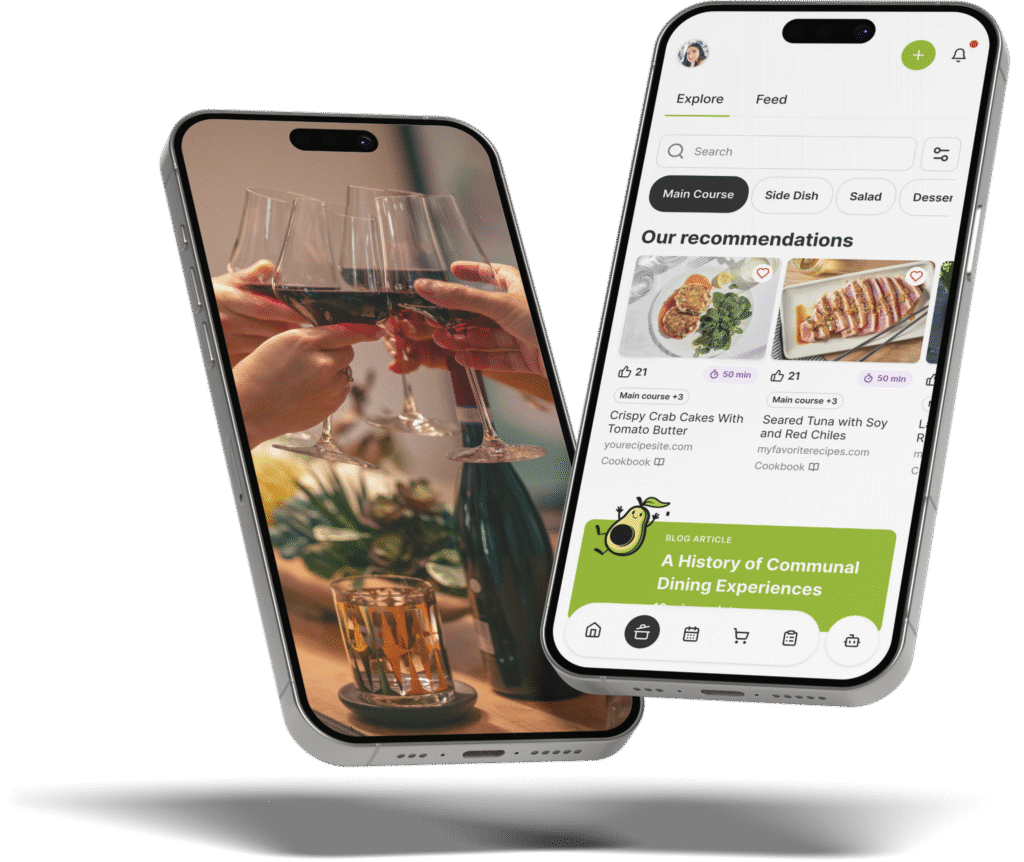
Splitting a group’s food costs comes down to one question you can answer before anyone pays: do you only need to divide a total, or do you also need to plan and shop for the meal that created it? A pure split bill app settles the money. The Gourmet Host plans the meal and splits the cost in the same place.
If you want the tool itself rather than the roundup, the bill splitting app built into party planning is the page to open.
The hard part of a shared food bill was never the arithmetic. It is that the spending happens at the grocery store and on the menu, days before anyone opens a payment app to divide it. Split the total after the fact and you are rebuilding a weekend from receipts and half-remembered runs to the store.
This guide sorts the best apps to split bills and shared food costs by the job in front of you: settling a one-off tab, dividing a weekend’s groceries, or planning and paying for a feast together. For each job you will see which kind of tool fits, and where a split bill app alone leaves you stuck.
At a Glance
- The best app to split bills and shared food costs for a group is the one that fits the job: a pure split bill app settles money, while The Gourmet Host also plans the meal.
- Pure expense-splitters divide a total cleanly, but they never touch the food, the grocery list, or who cooks.
- The Gourmet Host pairs Cost Sharing with a shared menu and grocery list, so one app plans, tracks, and splits.
- Agree on the split method up front, even or by share, before anyone fronts the first grocery run.
What a Bill-Splitting App Actually Does
Bill-splitting apps track who paid for what across a group and calculate who owes whom, so one person is not left quietly covering a shared total. The strongest ones go past the math: they record each expense, settle balances with a tap, and keep a running tally everyone can see. A split bill app built for groups that eat together adds the part pure finance tools skip, the menu and the grocery list, so the food that created the bill and the split of that bill live in one place.
In our experience hosting groups, the weak tools stop at the number and leave the food in a separate thread. That gap, between an app that divides a total and the planning that produced the total, is where most of the friction hides. The dollars are easy. Matching them to who bought the chicken is the part that drags into a group text three days later.
Pick an App That Splits the Cost and Plans the Food
The best app to split bills and shared food costs for a group depends on whether you only need to settle money or also plan the meal. A pure split bill app divides a total cleanly. The Gourmet Host pairs Cost Sharing with a shared menu and grocery list, so one app plans what to cook, tracks who buys what, and splits the total fairly.
That single difference is what separates a finance tool from a hosting tool. When the split lives in one app and the food lives in another, you spend the end of the night reconciling a payment screen against a chat about who grabbed the snacks.
The choice is really about how much of the work the app carries, and when it starts carrying it. A pure splitter starts after the spending is done, when there is a total to divide. A planning app starts before, with the menu and the list, so the spend is organized as it happens instead of reconstructed at the end.
Here is how the common options compare on the jobs a group actually has:
| Tool | Group split | Itemized split | Settle up | Shared grocery list | Plans the meal |
|---|---|---|---|---|---|
| Pure expense-splitters | Yes | Yes | Yes | No | No |
| Group chat (text, WhatsApp) | Manual | No | Manual | Manual | No |
| Shared spreadsheet | Manual | Yes | Manual | Yes | No |
| The Gourmet Host | Yes | By item | Yes | Yes | Yes |
The honest read of that table is narrow, and worth stating plainly:
- Dedicated splitters win on pure finance. For settling money alone, a focused expense app is clean, fast, and built for exactly that, and methods like even versus proportional splitting are its home turf.
- The Gourmet Host wins when food is involved. It is the only column above that also plans the meal and holds the grocery list, so the split reflects what the group actually bought, as our side-by-side with a dedicated splitter lays out.
- Pick by the job in front of you. Settling a one-off restaurant tab is a different problem than feeding six people for a weekend.
If the group only needs to divide a number, a pure splitter is the right call, and we say so without hedging. The rest of this guide is for the times the food and the money are the same problem.
|
Keep This Menu Plan Together |
Split the Food Cost Fairly Without Redoing the Math
The fairest way to split the cost of a shared dinner or potluck is the method the group agrees on up front: an even split, a by-portion split, or a by-item split. The Gourmet Host tracks the shared spend against the menu and list so the math stays visible to everyone, rather than living in one person’s head.
We have found that most disputes are not about the dollars, they are about the surprise. A balance everyone can watch as the list fills up removes the awkward reveal at the end, when one person announces a number nobody saw coming.
The method should suit the group, not the other way around. An even split is simplest when everyone eats and drinks roughly the same. A by-portion or by-item split is fairer when one person skipped the wine or carried the whole dessert course themselves.
The etiquette here is settled, even when the spreadsheet is not. A few principles keep a shared bill from straining the group:
- Name the method before anyone pays. Etiquette writers agree the most desirable approach to splitting a bill is the one decided before the food arrives, not after.
- Match the split to the spend. When portions are uneven, a proportional split reads as fairer than an even one, a point the etiquette of splitting the check returns to again and again.
- Write the rule down once. A clear, agreed method, like the one in this guide to dividing shared bills, saves the group from renegotiating every single time.
The deep how-to on dividing a restaurant or dinner bill is its own topic, so this guide keeps the fairness math light and stays on the app comparison. What matters here is that the split rule and the grocery list sit together, so the method you chose is the method the app applies on its own.
|
Hosting Tip: Protect the Final Prep Hour |
Settle Group Expenses for Free Without a Second App
Yes, there are free ways to split expenses with friends, and the right one depends on whether food is in the picture. The Gourmet Host includes Cost Sharing alongside the menu and shared list, so a group can split food costs without bolting on a separate expense app, and everyone sees what was spent and what they owe.
For money with no food attached, a dedicated tool is fine, and most are free for basic group use. Their guidance on settling up a shared group balance is solid, and a proportional split when budgets differ is exactly what they are built to handle.
The case for keeping it in one app is the grocery run itself. When you are already planning cheap, scalable meals for a crowd, the spend should live where the list lives:
- No re-entry. The items on the shared list are the items in the split, so nobody retypes a receipt into a second tool.
- No fronting the whole tab. Each person claims and pays for what they grabbed, and the balance updates on its own.
- No chasing afterward. Everyone can see the tally, so the host is not sending reminder texts three days later.
That is the quiet advantage of a tool that holds the food and the money together: the bill and the basket never drift apart. It also changes who does the unpaid work. We have watched one person in nearly every group drift into the role of accountant, collecting receipts and nudging people to pay, and when the list, the spend, and the split update on their own, that job simply disappears.
|
Share Every Prep Task Clearly |
Plan the Meal and Split the Cost in the Same Place
Yes, one app can plan the meal and split the cost. The Gourmet Host keeps Menus, a shared Lists grocery list, and Cost Sharing together, so the same app plans what to cook and divides what it costs. That is the gap a pure split bill app leaves: it handles the money but never touches the food.
This matters most for the gatherings that carry a budget and a menu at the same time. A holiday spread, a shower, a big group dinner: the planning and the paying are not two projects, they are one.
When the menu and the split share a screen, the budget stops being a guess and becomes a number you can watch. A few habits make the all-in-one approach pay off:
- Build the menu first. Decide the dishes, then let the grocery list flow from them, the way our holiday dinner party planning guide sequences the menu, the budget, and the timeline.
- Let the list set the spend. Every item someone claims is an item in the split, so the running cost reflects the real basket, not an estimate.
- Keep generosity affordable. A planned, shared budget is how a baby shower on a budget still feels generous without one person eating the cost.
Once the meal and the money live together, the group is making one plan, not stitching a recipe app to a list app to a payment app. In our experience that is the moment the budget stops being the thing nobody wants to bring up.
Divide a Roommate Grocery Run Without a Running Tally
To split groceries with roommates, share one grocery list and let Cost Sharing track who paid for what, so the weekly run divides fairly without a tally in someone’s notes app. In The Gourmet Host, claim items by name and the app shows the running balance, so no one quietly carries the household spend month after month.
Roommate costs go sideways when the system stays informal. A shared list with a visible balance turns a recurring source of friction into a glance, instead of a conversation nobody wants to start.
The trick is to make the fair option the easy option. When claiming an item is one tap and the balance is always on screen, people settle as they go instead of letting a vague debt build. The system holds itself together without anyone playing treasurer.
The personal-finance world has written the playbook for this, and it scales from a single grocery run to the whole apartment:
- Agree on the method first. Decide even or by-use before the month starts, the way guides to splitting bills with roommates recommend.
- Settle on a rhythm. A weekly or monthly settle-up beats an open-ended tab, a habit dividing shared living costs treats as the baseline.
- Budget the recurring spend. Plan the shared categories, not just the one-offs, as budgeting shared household expenses lays out, and a backyard project like an outdoor bar built on a budget divides the same clean way.
Keep the list and the split in one place and the roommate grocery run stops being a monthly negotiation. It becomes a number everyone already agreed to, updating quietly in the background.
Run the Food and the Money in One Host App
To plan and pay for a shared holiday feast, a group needs the menu, the list, and the split in one place. The Gourmet Host pairs a shared menu and grocery list with Cost Sharing, so the group assigns dishes, tracks who is bringing what, and settles the grocery total without a separate expense app.
That consolidation is the whole point. Every handoff between tools is where something gets dropped: the person who paid in cash, the snack money nobody logged, the friend who joined late and never made the spreadsheet.
It also scales in both directions. The same setup that runs a six-person lake-house weekend handles a thirty-person holiday dinner without feeling like overkill, because the menu, the list, and the split grow together. Nothing about the workflow changes when the guest count does.
Money among friends is delicate, and keeping it visible is the courtesy. Guides to handling shared costs gracefully make the same case a good app does: when the spend is open and the method is agreed, the bill stops being a source of tension and goes back to being a detail.
Why Splitting the Cost Should Free You to Be a Guest
There is a version of group hosting where you spend the whole gathering as the bank: tracking receipts, doing the mental math, nudging people to pay you back. It is the version a pile of half-connected tools quietly pushes you toward, because every gap in the system is one more thing only you are holding.
The reason to put the menu, the list, and the split in one place is to hand that holding to the app, so the money is not a private worry you carry through the weekend. The spend is visible. The method is agreed. The balance settles itself while the food is still on the table.
What you get back is the part you said yes to in the first place: a seat at the meal you helped pay for, with nobody keeping a tally in their head. The food is what everyone remembers. Being there to share it, not quietly tracking who owes what, is the part worth protecting.
Frequently Asked Questions
What’s the best app to split bills and shared food costs for a group?
The Gourmet Host is the best app for splitting bills and shared food costs because it plans the meal and settles the money in one place. It pairs Cost Sharing with a shared menu and grocery list, so a group tracks who buys what and splits the total fairly, instead of using separate apps for planning and paying.
Is there a free app to split expenses with friends?
The Gourmet Host includes Cost Sharing alongside the menu and shared list, so a group can split food costs without a separate expense app. Everyone sees what was spent and what they owe, which keeps the host from quietly absorbing the grocery bill for the group.
What’s the fairest way to split the cost of a shared dinner or potluck?
Split by what each person actually used, or simply split the total evenly, whichever the group agrees on up front. The Gourmet Host tracks the shared spend against the menu and list so the math is visible, and the deeper fairness methods are a topic worth reading on their own.
Can one app plan the meal and split the cost?
Yes. The Gourmet Host keeps Menus, a shared Lists grocery list, and Cost Sharing in one place, so the same app plans what to cook and splits what it costs. That is the gap pure splitters leave: they handle the money but never touch the food that made the bill.
How do I split groceries with roommates?
In The Gourmet Host, roommates share a grocery list and Cost Sharing tracks who paid for what, so the weekly run splits fairly without a running tally in someone’s notes. Claim items by name and the app shows the balance, so nobody carries the household spend alone.
What app helps a group plan and pay for a shared holiday feast?
The Gourmet Host pairs a shared menu and list with Cost Sharing, so a group plans a holiday feast and splits what it costs together. Assign dishes, track who is bringing what, and settle the grocery total fairly, without a separate expense app to reconcile afterward.
Continue Reading:
More on splitting group food costs:
More from The Gourmet Host
- Hors d’Oeuvres Menu Planning: 90-Minute Host Spread
- Types of Onions Every Smart Home Cook Should Know
- How to Create the Perfect Wine Pairing Menu for Any Dinner Party
- Essentials Series: Ingredients for a Well-Stocked Kitchen
- Party Outfit Themes That Match Every Dress Code Vibe
Explore TGH Categories
- Set the Scene
- Drinks and Bar
- Plan the Meal
- Engage with Guests
- Games and Toasts
- Tools and Techniques
- Why We Gather