The Best Potluck Apps to Organize Who Brings What
 12 min read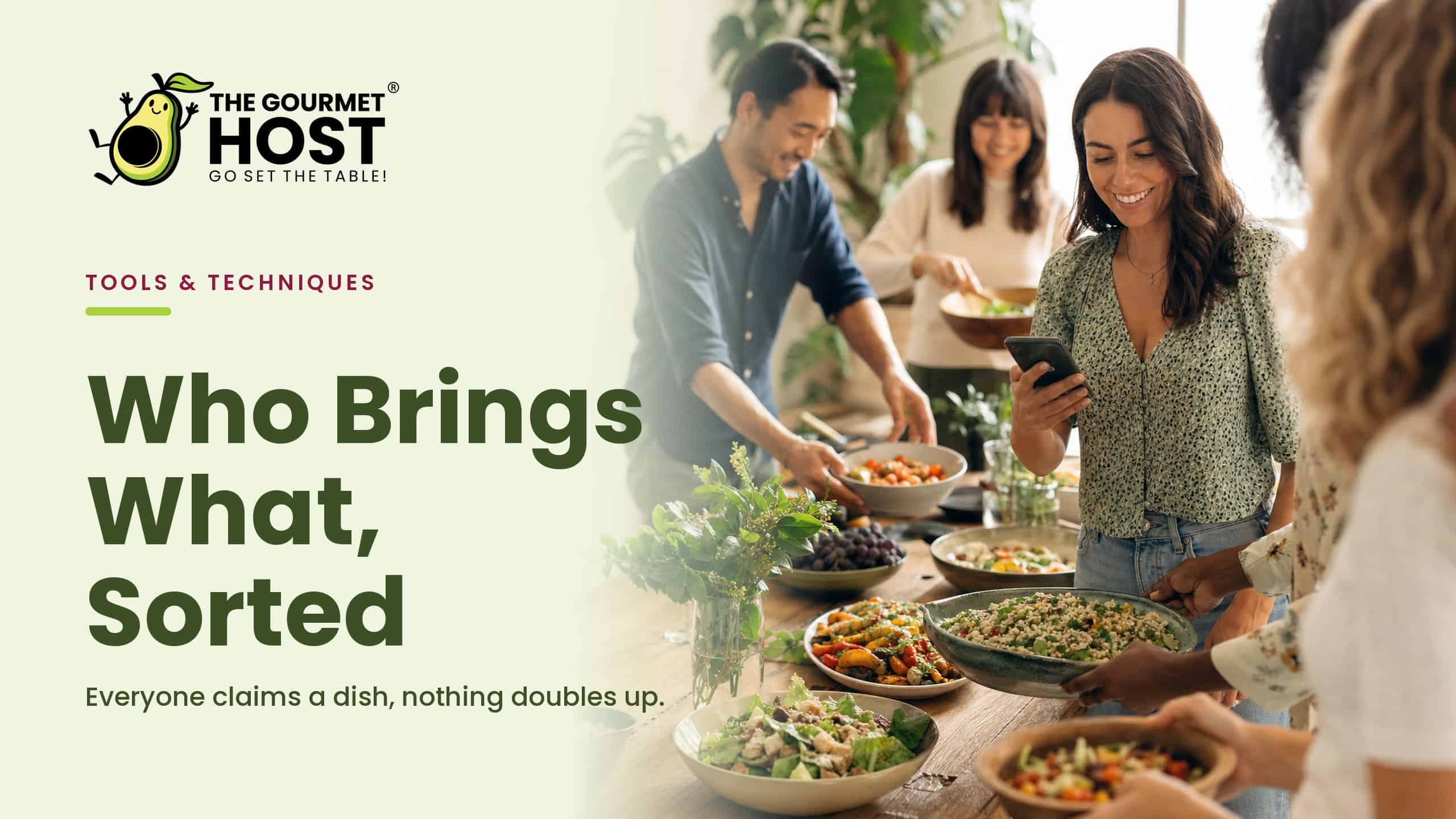
Ask ten people to bring a dish and you get six desserts, three bags of chips, and nothing that adds up to dinner. A potluck app fixes that by turning who-brings-what into a claimable list, split by category, that guests can see and sign up against before they decide.
If you want the tool itself rather than the roundup, the potluck organizer with a printable sign up sheet is the page to open.
The instinct when the table skews sweet is to send another reminder text. The better move is the opposite: stop asking and start showing, a list where every claimed dish closes so the next guest sees only the gaps that are left.
These are the potluck apps worth setting up, organized by the gathering you are actually feeding: a weeknight potluck, a neighbourhood block party, a wine and cheese night. Below is what each one needs from a potluck sign-up, and how to run it so every category is covered and no two people double up.
At a Glance
- The best way to organize a potluck so everyone brings something different is a shared bring-list split by category, where guests claim a slot and the host sees coverage live.
- A claimed dish drops off the open list, so no two people arrive with the same thing.
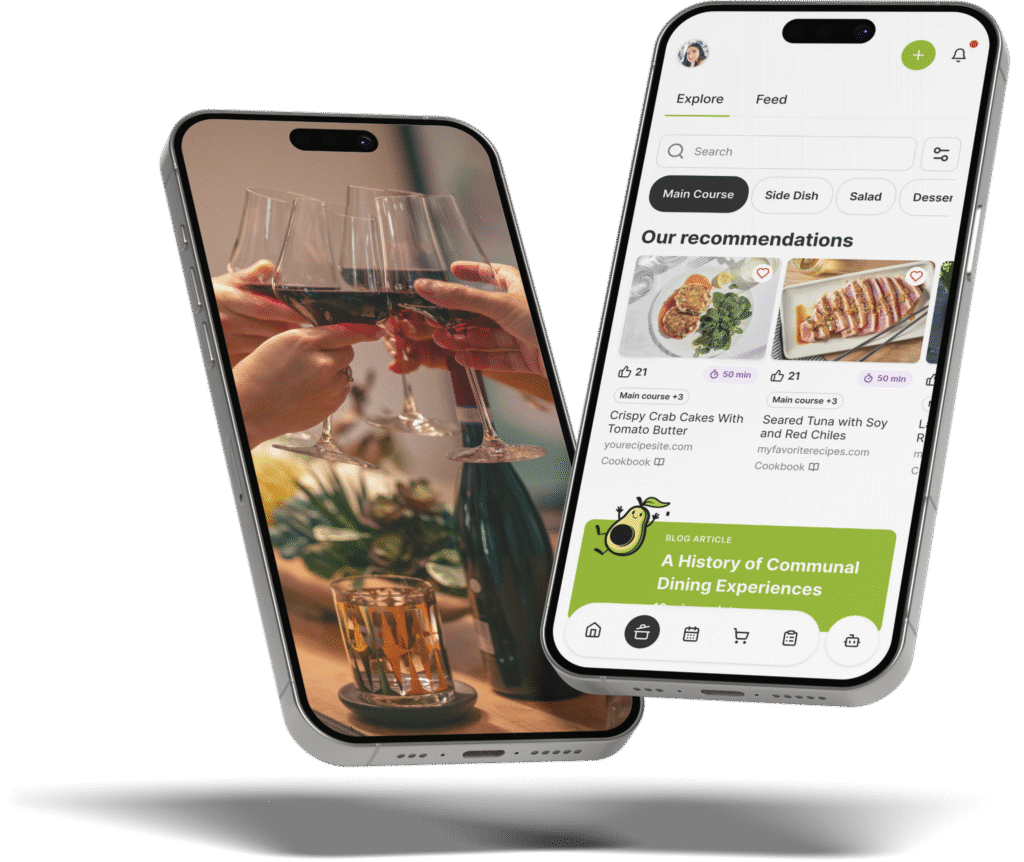
- The Gourmet Host runs the bring-list, the headcount, and guest messaging in one place, so the spread fills without a side spreadsheet.
- The same claimable list scales from a six-person dinner to a neighbourhood block-party sign-up.
- Pick the setup by the gathering you are feeding, then let the list do the chasing.
What a Potluck App Actually Does
A potluck app turns the usual chain of group texts into one shared list a host runs from a phone. Instead of asking guests to remember what they offered, it gives every contribution a slot to claim, shows what is already taken, and keeps a running view of which categories still need a dish. The strong ones tie that list to the headcount, the messaging, and the supplies; the weak ones stop at a blank sign-up sheet and leave the coordination to you.
What separates a real coordination tool from a shared note is that the claims update for everyone at once. A guest who takes the salad sees it close, and so does the next person who opens the link, which is what stops two people from both deciding they have the salad covered.
In our experience hosting, a few details on the invite make any list work better, a point good potluck invitation guidance underlines, and they pair naturally with potluck themes guests actually enjoy.
Build a claimable bring-list by category
How do I organize a potluck so everyone brings something different? Build the spread as a shared list in The Gourmet Host, split by mains, sides, salads, drinks, and supplies, then let guests claim a slot so each category fills and nobody doubles up. Everyone sees the live list, and the host fills whatever gaps are left before the day.
Setting it up takes four steps:
- Add the categories. List mains, sides, salads, desserts, drinks, and supplies so guests claim against real gaps, not a blank box.
- Share the link. Send one link to the whole group, and let people view and claim without a separate sign-in dance.
- Let guests claim items. Each person takes a slot, and a claimed dish drops off the open list so the next guest sees what is still needed.
- Watch coverage and gaps. You see the spread fill in real time and can nudge the last few categories before the day.
Claiming by category is what keeps a potluck balanced, a principle that guides to coordinating food for a potluck and a clear step-by-step potluck method both put first. We have found the list earns its keep in the last 48 hours, when a yes today no longer gets lost under twenty later messages. Once the categories are claimed, the rest, the theme and the crowd-friendly dishes, gets easier to settle.
|
Keep This Party Plan Together |
Cover every category so no dish repeats
What dishes should I assign to guests at a potluck? Assign by category rather than by name: ask for two mains, three sides, a salad, a dessert, and the drinks, then let guests claim within each. In The Gourmet Host, a claimed slot closes, so the group cannot land five desserts and no main course.
This is where a potluck quietly goes wrong, and where a live list earns its place:
- Lead with the mains. Fill the substantial dishes first so the table has a centre, not just sides and sweets.
- Cap each category. Once a category is full, new guests see only the slots that still need filling.
- Name the supplies. Ice, cups, serving spoons, and trash bags get claimed too, so nothing essential is missing.
The claim system carries the etiquette that hosting guides spell out, from the roles guests and hosts share to practical tips for bringing a dish that travels. We have watched guests self-correct the moment the categories are visible, which is what gets a host out of refereeing who already called dessert. For a spread with real structure, our potluck themes that turn shared dishes into a menu give the list a shape to fill.
|
Hosting Tip: Set the Next Decision Early |
Run a neighbourhood block-party sign-up
How do I organize a neighborhood block party meal sign-up? Use the same claimable list, scaled up: open slots by household instead of by person, group them into mains, sides, drinks, and setup, and share one link down the street so neighbours claim what they will bring. The Gourmet Host keeps a live view of what is still needed.
A block party adds logistics a potluck does not, so the list does more work:
- Sign up by household. One claim per address keeps the count honest when a dozen families are involved.
- Split food from setup. Tables, coolers, and trash duty are slots too, claimed alongside the dishes.
- Keep a public running total. Everyone sees the gaps, so the last few neighbours fill what is missing.
Block-party planning has its own rhythm, covered well in a complete neighbourhood block-party guide and the logistics of running a block party. A street of forty neighbours is exactly where a paper sign-up sheet falls apart, because nobody can see the latest version. For feeding a street without a stove marathon, our appetizers that scale to any guest count travel well to a curbside table.
|
Share Every Hosting Task Clearly |
Plan a wine and cheese night around who brings what
How can I plan a wine and cheese night and organize who brings what? Build the list around the pairing: open slots for reds, whites, soft cheeses, hard cheeses, crackers, fruit, and something cured, then let guests claim one each in The Gourmet Host so the board is balanced and no one duplicates the brie.
A tasting spread rewards a little structure on the claims:
- Pair across the board. Aim for a range of cheeses and a range of bottles, so the night has contrast rather than four soft cheeses.
- Leave room for the in-betweens. Honey, nuts, and a baguette round out the board and are easy slots to claim.
- Note the dietary flags. A claimed item can carry a quick note, so the gluten-free crackers are accounted for.
The fun is in the variety, and authorities on what to bring to a potluck and potluck etiquette dos and don’ts both stress contributions that complement rather than crowd. The same claimable list that runs a buffet runs a tasting, and ideas from our Italian party-food buffet tips port straight onto a wine-and-cheese table.
Bring the list, the food, and the cost into one app
Most potluck tools stop at a single sign-up sheet, disconnected from everything else the day needs. The Gourmet Host runs the whole event in one place: a claimable bring-list by category, a live headcount from RSVPs, guest messaging for delivery and timing questions, and cost sharing to split what the shared supplies actually cost.
That consolidation is the real payoff for a host. The guest who claimed a dish, the running count, and the money for the cups and ice all stay on one screen, instead of a sign-up sheet here and a payment app there. Every handoff between tools is where something gets dropped, the late claim nobody logged or the shared cost no one tracked, and one app removes the handoffs.
A quick read of how to organize a potluck dinner end to end shows the same lesson: the hosts who look relaxed are the ones who put the coordination in one place. In our experience, get the bring-list right and the rest of the day, the welcome, the music, the actual eating, is the part you get to enjoy.
Why You Should Get to Enjoy the Potluck, Too
There is a version of hosting a potluck where you spend it as the coordinator: counting dishes, chasing the missing main, refereeing who already called dessert, never quite sitting down. It is the version a stack of group texts quietly pushes you toward, because every gap is one more thing only you can hold.
Handing the list to the app is what frees you from that. The categories are covered, the claims are visible, the questions are answered in one thread, so you are not the only person who knows what is happening.
What you get back is the reason a potluck is worth throwing in the first place: a long table that everyone helped build, and a seat at it. The food is what the group brought. Being there to share it, not managing it, is the part worth protecting.
Frequently Asked Questions
How do I organize a potluck so everyone brings something different?
Build a shared bring-list in The Gourmet Host, split by mains, sides, salads, drinks, and supplies, then let guests claim a slot. A claimed dish closes, so the next person sees only what is still needed, which is how everyone ends up bringing something different without you tracking it by hand.
What dishes should I assign to guests at a potluck?
Assign by category, not by person: two mains, three sides, a salad, a dessert, and the drinks, plus supplies like ice and serving spoons. In The Gourmet Host, guests claim within each category and full slots close, so the mains get covered before the table tips toward five desserts.
How do I organize a neighborhood block party meal sign-up?
Open the same claimable list by household instead of by person, group slots into mains, sides, drinks, and setup, and share one link down the street. The Gourmet Host keeps a live view of what is still needed, so neighbors claim dishes and duties without a stack of overlapping group texts.
How can I plan a wine and cheese night and organize who brings what?
Build the list around the pairing: reds, whites, soft and hard cheeses, crackers, fruit, and something cured, with one slot each. Guests claim a bottle or a wedge in The Gourmet Host, so the board stays balanced and nobody arrives with a third brie or a duplicate cabernet.
Is there a free potluck app for sign-ups?
The Gourmet Host lets a host build a claimable bring-list and share it so guests sign up for what they will bring, alongside RSVPs, messaging, and cost sharing. Rather than stitching a sign-up sheet to a chat to a payment app, the list, the count, and the costs live in one place.
Can guests sign up for a potluck without making an account?
Yes. A host shares one link from The Gourmet Host, and guests can view the bring-list and claim a slot without a drawn-out sign-in process. The claimed item drops off the open list right away, so the spread stays current and the host sees coverage and gaps in real time.
Continue Reading:
More on group coordination apps:
- Best Party Planning Apps for Hosts and Their Guests
- Best Apps to Send Invitations and Track RSVPs
- Best Meal Train Apps to Organize Group Meals
More from The Gourmet Host
- Indian Drinks: The Four-Pour Menu for Your Dinner
- Best Wedding Toast Examples for Every Speech Slot
- Winter Theme-Party Ideas for Cold-Weather Fun at Home
- Baby Boy Baby Shower Ideas: Themes, Decor, and Party Tips
- Hors d’Oeuvres Menu Planning: 90-Minute Host Spread
Explore TGH Categories
- Set the Scene
- Drinks and Bar
- Plan the Meal
- Engage with Guests
- Games and Toasts
- Tools and Techniques
- Why We Gather