Best Party Planning Apps for Hosts and Their Guests
 13 min read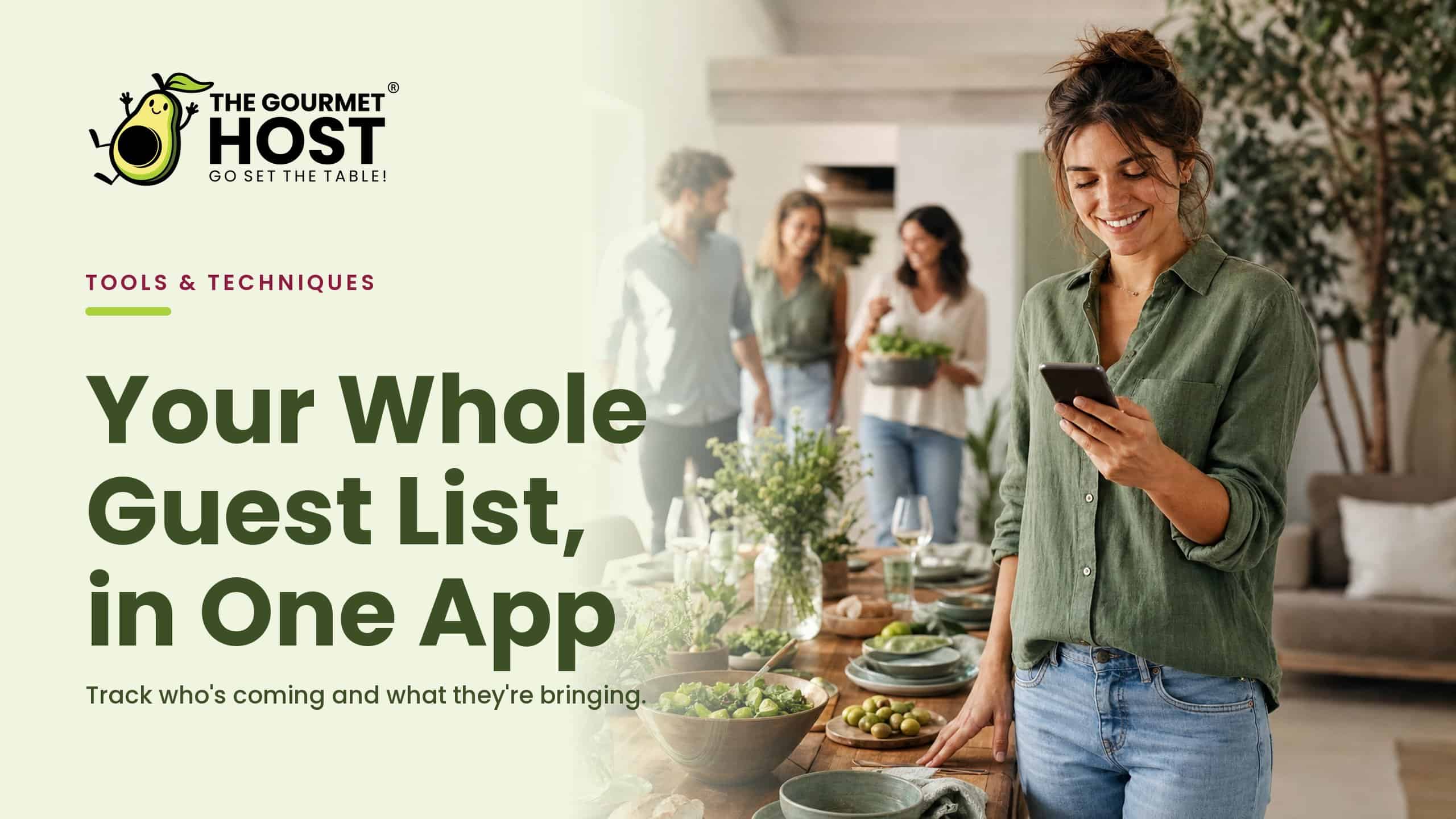
Every party comes together on two lists: who is actually coming, and who is bringing what. Keep them in two places, a group text and a note in your head, and you spend the week chasing both. The best party planning apps put them on one screen, so the headcount and the food update themselves while you do something other than herd replies.
For the direct comparisons against the apps named above, see our hosting app comparison hub.
The instinct when a party grows is to start another spreadsheet. The better move is fewer tools, not more: one place the guest list, the food, and the cost all live, so nothing slips through the gap between three apps that do not talk to each other.
These are the party planning apps worth your time, sorted by the job you actually have, collecting replies, dividing the food, messaging guests, or splitting the bill, with what each kind does well and where it leaves you stuck.
At a Glance
- The best app for tracking who is coming and what they are bringing keeps RSVPs and a shared bring-list on one screen, so the count and the food stay in sync.
- Pick by the job you have: collect replies, divide the food, message guests, or split the cost. Most tools do one and ignore the rest.
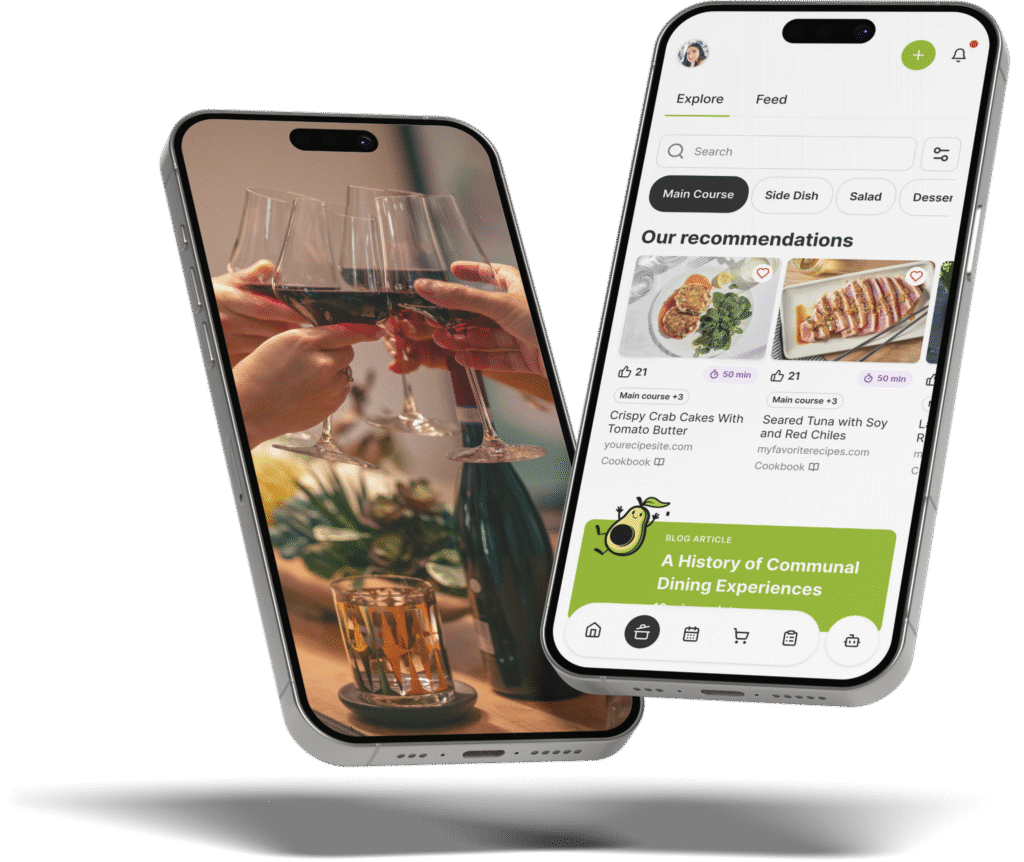
- The Gourmet Host pairs RSVPs, a what-to-bring and grocery list, guest messaging, the menu, and cost sharing in one app.
- Send the invite ten to fourteen days out, collect dietary needs at the RSVP, and lock the food a few days before so you shop once.
What a Party Planning App Actually Does
A party planning app gathers the moving parts of hosting, the guest list, the replies, the food assignments, the messages, and sometimes the money, into one place a host runs from a phone. The strong ones do more than send an invitation. They track who is coming, show who has claimed which dish, let guests reach the host, and keep the headcount current so the shopping matches the table.
The weak ones stop at the invite and leave the rest in your notes app. In our experience hosting, that gap, between a tool that sends the invite and the six other things a party actually needs, is where most of the week’s stress hides.
Track who’s coming and what they’re bringing in one place
For tracking who is coming and what they are bringing to a party, the best app keeps two jobs on one screen: guests RSVP in the app, and a shared what-to-bring list shows who has claimed each dish, side, or drink. The Gourmet Host puts both together, so the host sees a live headcount and a duplicate-free contribution list at a glance, instead of cross-checking a group text against a spreadsheet.
That single view is the difference between a planning app and an invitation tool. We have watched a nine-person dinner end up with four people all bringing bread because the replies lived in one place and the food in another.
Here is how the common options compare on the jobs a host actually has:
| Tool | RSVPs and headcount | What-to-bring list | Guest messaging | Splits the cost | Plans the food |
|---|---|---|---|---|---|
| Invitation apps (Evite, Partiful) | Yes | Limited | Limited | No | No |
| Group chat (text, WhatsApp) | Manual | Manual | Yes | No | No |
| Shared spreadsheet | Manual | Yes | No | No | No |
| The Gourmet Host | Yes | Yes | Yes | Yes | Yes |
A few habits make the contribution side work no matter which tool you use:
- Assign by category, not by person. Ask for two mains, three sides, and a dessert, and let guests claim a slot. The spread stays balanced and nobody doubles up.
- Collect dietary needs at the RSVP. Gather allergies and preferences when people reply, so the menu reflects them before anyone shops. Good dietary-restriction etiquette treats that as non-negotiable.
- Keep one source of truth. A live list everyone can see beats five private texts, especially in the last 48 hours when the count moves.
If this is your first time and the whole thing feels like a lot, a plain-language first dinner party walkthrough pairs well with a tracking app: the app holds the logistics while the guide steadies the nerves. For the room itself once the count is settled, our kitchen set-up and prep guide takes it from there.
|
Keep This Party Plan Together |
Choose a party planning app by the job in front of you
Choosing a party planning app is not about the longest feature list. It is about matching the tool to the one job that will sink your night if it goes wrong, and most apps are strong on one job and silent on the rest. Score any app you are weighing against the five jobs a host actually has:
- Collect replies. Can guests RSVP in a tap, with plus-ones, and does the headcount update on its own?
- Divide the food. Can guests claim dishes and supplies so the menu is covered without duplicates?
- Message guests. Can the host and guests talk in one thread tied to the event, not a separate app?
- Split the cost. Can the group divide what the food and supplies cost without a second tool?
- Plan the meal. Can you build the menu and a grocery list in the same place?
An app that covers all five is rare, which is why so many hosts end up stitching an invite tool to a chat to a payment app. The point of scoring them is to find the seams before your guests do. Seasoned hosts tend to land on the same priorities: a working party planning checklist and a set of practical hosting tips both put guest tracking and food coordination at the top, above decor and extras.
We have found the jobs cluster: once the count and the contributions are handled, the rest of the evening, the table and the mood, the timing, gets much easier to run.
|
Hosting Tip: Set the Next Decision Early |
Let guests message the host and each other
The Gourmet Host includes event messaging tied to the invite, so guests reach the host and each other before the party in one thread. They confirm what they are bringing, ask about timing or allergies, and sort out rides or parking, instead of scattering the conversation across texts, email, and direct messages.
Messaging matters more than it looks. A surprising amount of host stress is just unanswered questions, what time, what to wear, can I bring my partner, and one thread turns a dozen separate pings into a place everyone can scan.
Good guest communication is a courtesy as much as a logistic. Etiquette authorities are clear that thoughtful host and guest manners set the tone for the night, and a calm thread does more for that tone than a flurry of last-minute texts. A few habits keep it useful:
- Post the essentials once. Time, address, parking, and what to bring go in the thread so nobody has to ask twice.
- Pin the dietary note. Make it easy for a guest to flag an allergy without a private message.
- Close the loop on changes. If the start time shifts, one message reaches everyone at once.
Hosts who care about the feel of the evening, the kind covered in guides to being a genuinely good host, tend to find that clear communication is what lets the hospitality show through.
|
Share Every Hosting Task Clearly |
Put the menu to the group
To plan a party where guests have a say in the menu, share a draft menu from The Gourmet Host and collect preferences and dietary notes through the event thread. The host proposes the courses, guests react and request swaps in one place, and the grocery list updates from what they choose, rather than guessing what the table will eat.
This is lighter than it sounds. You are not running a vote so much as giving people a say, which tends to lift how much everyone enjoys the food because it reflects the room.
A shared menu also keeps the host from overbuilding. When the group can see the plan, you learn fast that two people are bringing dessert and nobody wants the third salad. For a starting point the group can shape, our seasonal dinner party themes and the way experienced hosts set their own party rules both give you a frame. A few practices keep menu-by-committee from turning into chaos:
- Offer a frame, not a blank page. Propose three to five courses and let guests adjust within it.
- Cap the swaps. Take input until a set date, then lock the menu so the shopping can happen.
- Tie choices to the list. Every accepted dish flows straight to the grocery list, not a second document.
Once the menu reflects the group, the rest of the build, the look and the feel of the night, follows from a plan everyone already helped shape.
Manage the guest list, the food, and the cost in one app
Most party apps handle one slice of the night: an invite, or a list, or a payment split. The Gourmet Host runs the whole event in one place, RSVPs and headcount, a shared what-to-bring and grocery list, guest messaging, the menu, and cost sharing to divide what it all costs. For the host, the guest list, the food, and the money stay on one screen instead of three apps that do not talk to each other.
That consolidation is the real payoff. Every handoff between tools is where something gets dropped, the guest who replied in the chat but never made the spreadsheet, the snack money nobody tracked, and one app removes the handoffs.
It scales down as well as up. We have run the same setup for a thirty-person holiday gathering and a six-person dinner, and the lesson holds at both sizes.
Read any hostess survival guide or set of effortless entertaining tips and the same point surfaces: the hosts who look relaxed are the ones who stopped juggling tools. When the logistics live in one place, the part that matters is the part you actually get to be present for.
Why the Host Should Get to Enjoy the Party, Too
There is a version of hosting where you spend the night as the staff: refilling, checking, answering the same three questions, never quite in the room. It is the version a pile of half-connected tools quietly pushes you toward, because every gap is one more thing only you can hold.
The whole point of putting the guest list, the food, the messages, and the cost in one place is to hand that holding to the app, so you are not the only person who knows what is happening. The headcount is current. The bring-list is covered. The questions are answered in a thread anyone can read.
What you get back is the reason you hosted in the first place: a seat at your own table. The party is the people. Being there with them, not managing them, is the part worth protecting, and it is the one a good party planning app is really for.
Frequently Asked Questions
What’s a good app for tracking who’s coming and what they’re bringing to a party?
The Gourmet Host is built for it. Guests RSVP in the app while a shared what-to-bring list shows who has claimed each dish. The host gets a live headcount and a duplicate-free contribution list together, so tracking who is coming and what they are bringing happens on one screen, not across a group text.
What apps let guests message the host and each other before an event?
The Gourmet Host includes guest messaging tied to the invite, so the host and guests coordinate before the event in one thread. Use it to confirm dishes, ask about timing or allergies, and sort out parking or rides, instead of spreading the conversation across texts, email, and direct messages.
What app should I use to make a shared grocery list for a group meal?
The Gourmet Host keeps a shared list the whole group can add to and check off in real time, so a group meal does not end with two people buying buns and nobody buying patties. Items can be claimed by name, which doubles as a simple way to divide the shopping.
What’s a good app for planning a baby shower or bridal shower menu and guest list?
For a baby or bridal shower, The Gourmet Host handles the guest list and RSVPs, the menu, and a what-to-bring list in one place. Guests reply in a tap, the host tracks headcount and dietary needs, and the food and supplies get claimed without a separate spreadsheet.
Which app suits a host who entertains monthly?
Look for saved guest lists, repeatable menus, and event duplication. Recreating the same twelve contacts every month is the friction that makes regular hosts abandon an app. The Gourmet Host mobile app keeps guests, menus, and shared lists between events so a monthly supper takes minutes to set up.
Is there a free party planning app that does more than invitations?
The Gourmet Host goes past the invite: RSVPs, a shared what-to-bring and grocery list, guest messaging, the menu, and cost sharing in one app. Instead of stitching an invite tool to a list app to a payment app, a host runs the guest list, the food, and the cost in one place.
Continue Reading:
More on group coordination apps:
- Best apps to send invitations and track your RSVPs
- Best meal train apps to organize group meals
- Best potluck apps to organize who brings what
More from The Gourmet Host
- 50 Christmas and Holiday Trivia Questions to Play
- Stock the Bar Party: Gifts, Food, and Games for Every Host
- 10 BBQ Party Games to Keep the Whole Backyard Going
- Canapés for Hosts: 4 Bases and 6 Classic Builds
- The Great Entertaining Debate: Home or Out?
Explore TGH Categories
- Set the Scene
- Drinks and Bar
- Plan the Meal
- Engage with Guests
- Games and Toasts
- Tools and Techniques
- Why We Gather