Place Setting Card Template: The Full Etiquette Guide
 12 min read

Planning a dinner for your favorite people means thinking about a place setting card template to keep everyone organized and comfortable from the moment they arrive. A well-designed seating card directs friends to their chairs and sets a warm tone for the entire meal.
This guide will walk you through the exact dimensions, paper weights, and modern etiquette rules for printing your cards. You will learn exactly where to place them among your dinnerware and how to use them for allergy tracking or interactive menus.
At a Glance
- Use a sample 3.5-by-2-inch folded tent and test cardstock that your printer supports.
- Use first names for a casual table, adding a surname or initial when needed for clarity.
- Position each card where arriving guests can read it without moving the dinnerware.
- Agree on any dietary marker privately and confirm ingredients and service with the guest.
What a place setting card template means for home organizers
A place setting card template is a pre-formatted digital file that dictates the size, fold lines, and text layout for printable seating markers. For a host planning a gathering of 4 to 12 people, this file eliminates the guesswork of sizing margins and aligning names on thick paper. You use this layout to print individual name markers that guide friends to specific chairs around your dining table.
A place setting card template serves a different purpose from an escort card file. The difference between escort cards and place cards is their physical location at the event.
Escort cards sit on a welcome table near the front door to direct arrivals to a specific table number. Place cards sit directly on the dining table at the exact chair the person will occupy.
Using a dedicated digital layout ensures formatting consistency. It saves you significant time right before your event begins.
Standard Dimensions and Paper Weights
One useful example is a tent card measuring 3.5 inches by 2 inches when folded. Use cardstock within your printer’s supported weight range, then test a sample to check whether it stands upright. Paper weight and stiffness vary, so the printer and paper specifications decide what works.
| Card Format | Example Flat Size | Finished Size | Paper Check |
|---|---|---|---|
| Folded Tent | 3.5 inches by 4 inches | 3.5 inches by 2 inches | Test supported cardstock for a stable fold |
| Flat Card | 3.5 inches by 2 inches | Same as flat size | Use a holder or supported rigid card |
Check your printer’s media guide before selecting paper. Thin copy paper may need a holder, while card beyond the supported thickness can jam the printer.
Finding that perfect middle ground ensures your seating arrangements look crisp and intentional. Before you finalize your how to set a dinner table, verify your printer settings can actually handle heavy cardstock. Thick paper often requires a manual feed slot to prevent curling the pages.
Actionable step: Use a paper trimmer instead of scissors for crisp, professional edges, and lightly score the fold line with a bone folder before bending.
A tent-card layout to copy
Create a 3.5-inch-wide by 4-inch-high text box in your document and mark a horizontal fold at the 2-inch midpoint. Put [Guest name] centred in the lower half; add the same name rotated 180 degrees in the upper half if your software allows it.
Print one sample at actual size, cut around the outer edge and score the midpoint before folding. Confirm the finished tent stands and the name is legible from both sides, then duplicate the layout for the remaining guests.
|
Confirm names before printing |
Essential Etiquette for Guest Names
For gatherings of 4 to 12 friends, use only first names printed in a legible, large font. If your guest list includes people with the same first name, add their last initial. Always print the name on both sides of a folded card so guests seated opposite can read it.
Using only first names creates a relaxed, intimate environment that formal titles might otherwise stifle. It encourages conversation and helps new acquaintances remember who they are talking to across the table.
When considering how to set a dinner table for a larger group, readability becomes your top priority. Fancy calligraphy looks beautiful on a computer screen but often fails the practical test of a dimly lit dining room. You want a clear serif or sans-serif font for maximum clarity.
If you plan to lay a placemat with place setting elements, ensure the card text contrasts well against the mat.
Actionable step: Print a test sheet to verify that your chosen cursive or script font is easily readable from at least three feet away under dim dining room lighting.
Positioning the Card on the Table
In a traditional arrangement, center the place card exactly above the dinner plate, behind the dessert spoon. For casual home gatherings, resting the card directly on the folded napkin or leaning it against a water glass creates an inviting, accessible focal point for arriving guests.
Placement dictates how easily your friends find their seats when they walk into the dining room. If you follow dining table etiquette and place setting rules, the space above the plate is strictly reserved for seating cards and dessert cutlery. This works because it keeps the center of the plate free for immediate food service.
However, home gatherings offer you much more flexibility. When designing a fall table centrepiece ideas, you might tuck the card into a miniature pumpkin resting on the main plate. Learning dining table etiquette and place setting rules ensures your utensils never block the view of the name card.
Actionable step: Set your largest dinner plate and glassware first, then place the seating cards last to ensure they aren’t obscured by tall water goblets or floral arrangements.
Integrating Menu and Allergy Markers
Use dietary markers only as part of the agreed serving plan:
- Agree on a marker: Seating cards can help you coordinate dietary needs when the guest agrees to a marker. A discreet icon can identify an agreed meal, but confirm ingredients, preparation and the recipient rather than relying on the card alone.
- Make service easier: Dietary tracking directly on the table removes the awkwardness of asking who ordered the gluten-free option while holding hot plates.
- Respect guest privacy: For example, agree on a green leaf for a vegetarian meal or another discreet symbol. Ask the guest before displaying dietary information at the table.
This technique is especially useful if you are coordinating a large the Christmas tablescape playbook with multiple heavy side dishes. You can also print the evening’s menu on the inside of the folded tent card.
This dual-purpose approach saves valuable table space. Preserving space is critical when adding centrepiece ideas for the dining table that already includes candles and large floral centerpieces.
Actionable step: Print a small legend on the back of your menu so guests understand what the dietary icons on their seating cards represent.
|
Hosting Tip: print one sample. |
Interactive Card Uses for Themed Parties
Beyond indicating a seat, place cards can guide interactive dining experiences by doubling as instruction panels. Adding brief steps for assembling a custom dish directly onto the seating area turns a standard placement tool into an engaging conversation starter for the whole group.
Themed dinners thrive on active participation, and your seating markers can act as miniature guidebooks. For example, a trusted recipe blog suggests setting up an interactive wrapping station with recipe instructions and filling for guests at a gyoza party.
You can print these specific wrapping directions directly on the inside of your place setting card template. This prevents a bottleneck of people waiting for you to demonstrate the technique. Whether you are setting up a taco bar or a sushi rolling station, instructional seating cards empower your friends to start cooking immediately.
It perfectly complements the Christmas tablescape playbook if you want friends to decorate their own gingerbread cookies at their designated seats.
Actionable step: Print brief folding or wrapping instructions on the inside of the folded place card to guide guests through interactive meal stations.
Adding Decorative Flourishes to Your Template
A place setting card template should blend naturally with your overall table aesthetics. Modifying the font colors, border designs, and background textures on your digital file allows the printed card to mirror the specific seasonal theme or color palette of your dining room.
Customizing the visual elements of your seating cards ties the whole room together beautifully. If you are building a comprehensive Tablescape: The Full Table Setting And Decor Guide, the seating card is often the final piece of the visual puzzle.
A minimalist white card works beautifully for a modern, sleek dinner setup. A card featuring a small watercolor leaf motif pairs perfectly with rustic autumn gatherings. Following creative table setting ideas means paying close attention to these small visual harmonies.
You do not need expensive software to make these design changes. Basic word processing programs allow you to insert small PNG images or adjust border weights easily.
Actionable step: Match the font color of your place setting card template to the dominant color of your napkins or floral centerpiece for a cohesive look.
Matching Card Layouts to Table Shapes
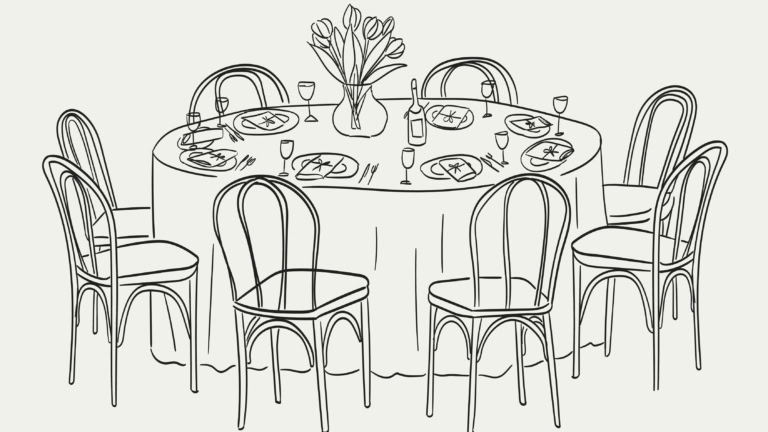
The shape and size of your table influence the card layout. Use type that is readable across the actual seating distance, and consider double-sided cards when guests face one another.
Test the cards against the actual table:
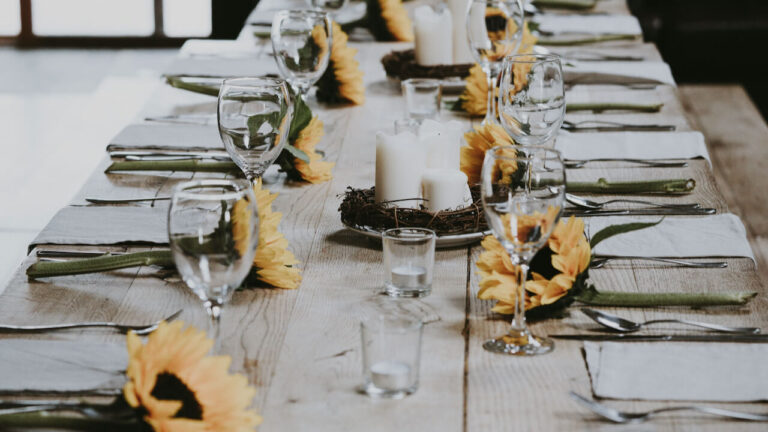
- Check both sides: Your specific dining environment dictates your formatting choices. A long, narrow farm table puts some diners directly across from each other. Printing names on both sides of the tent card allows the person sitting directly opposite to easily read their neighbor’s name.
- Test the type: If opposite seats are far apart, increase the type size and test its contrast. The actual distance matters more than the table’s shape.
- Leave names visible: Paying attention to table geometry prevents confusion when friends walk into the dining room. It also helps you decide where to place your central food platters so they do not block the seating markers.
- Print a sample: Actionable step: Measure the distance across your specific dining table and print a test card to verify the font size is legible from the opposite side.
|
Coordinate the serving plan |
How The Gourmet Host Helps You Apply Seating Strategies
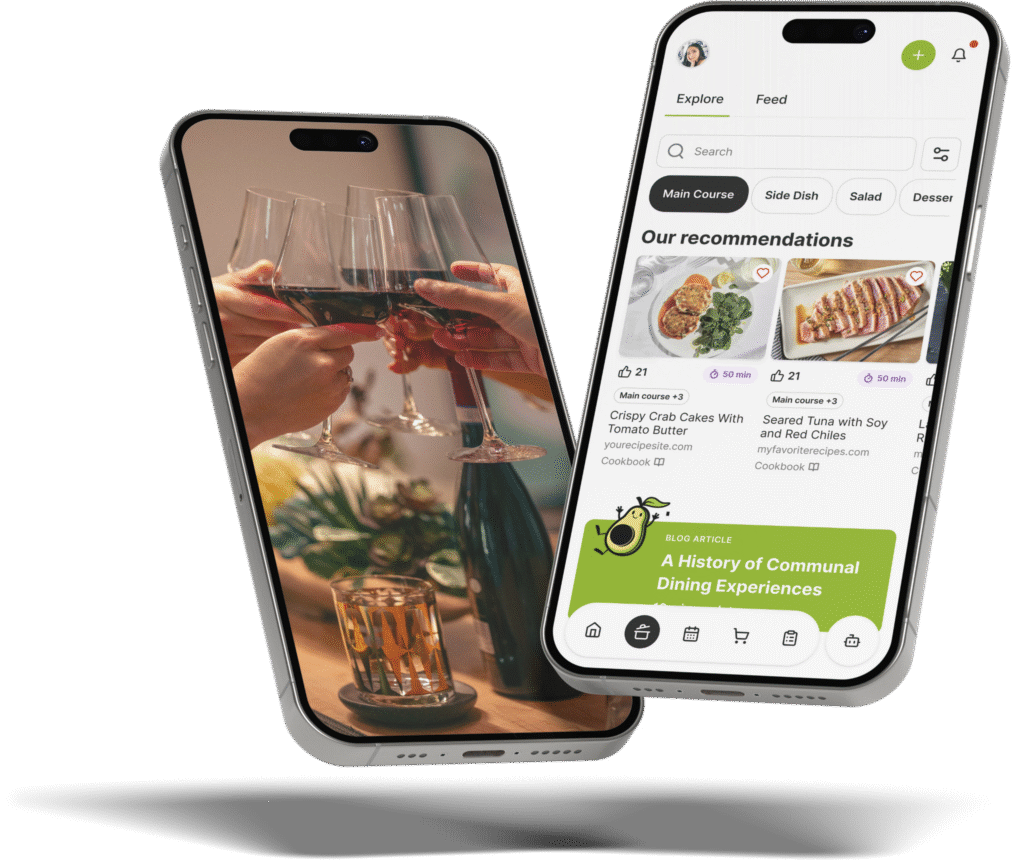
Managing RSVPs and dietary notes is the first step to finalizing your place setting card template. The Gourmet Host app keeps guest responses and a shared event menu together, so the host can review food needs before assigning seats.
Before you can hit print on your cardstock, you need an accurate headcount and a finalized list of food restrictions. Review the collected notes with guests before choosing dishes. A single missed allergy can ruin an otherwise perfect evening.
Consolidating all your RSVPs into one organized dashboard ensures you have exactly what you need before formatting your place cards.
Once you know exactly who is attending, you can decide how to arrange your chairs to accommodate everyone comfortably. Gathering this information early also gives you time to plan your table decorations. You might want to review fall table centrepiece ideas to match your cards to the autumn season.
Alternatively, you can check out the Christmas tablescape playbook for winter holiday inspiration. You can easily coordinate these visual details once the underlying logistics are handled securely.
The Gourmet Host mobile app brings the event page, guest responses and shared menu together. Review dietary notes with guests and contributors before you print the seating plan.
You can search hundreds of recipes from professional test kitchens right in the app.
Start planning your next gathering with the app today to simplify your prep. Actionable step: Finalize your guest list and menu inside The Gourmet Host app, then use the confirmed RSVP list to confidently print your seating cards after checking names and attendance.
Frequently Asked Questions
Do you put first and last name on a place card?
For formal events like weddings or corporate galas, you should print both the first and last name to avoid confusion. For home dinner parties of 4 to 12 people, you only need to print the first name. Adding a last initial is only necessary if two attendees share the same first name.
What kind of paper is best for place cards?
Cardstock that your printer supports is a useful choice for folded place cards. Check the media guide for weight and thickness limits, then print and fold one sample before buying or printing the full set. A flat card can use a separate holder if the paper will not stand alone.
Where does the place card go on a table setting?
Traditional etiquette places the card centered directly above the dinner plate, just behind the dessert spoon and fork. In modern home settings, you can place the card directly on top of the folded napkin, resting on the center of the main dinner plate.
Can you write place cards by hand?
You can handwrite place cards when the names remain clear and easy to read. Test your pen on the chosen card so the ink does not bleed or smudge. A digital template offers consistent alignment, while handwriting adds a personal touch for a small gathering without requiring a printer.
Do I need place cards for a dinner party of 8?
Place cards are optional for a dinner party of eight. They help when guests are meeting for the first time or when you want to plan a conversation-friendly mix. Arrange seats with guests’ comfort and access needs in mind, and use open seating if that better suits the evening.
What is the difference between a place card and an escort card?
The difference between escort cards and place cards is their function and physical location. Escort cards sit on a welcome table at the entrance to direct people to an assigned table number. Place cards sit on the actual dining table to designate the specific chair a person will occupy.
Continue Reading:
More On Table Setting and Decor
- Tablescape: The Full Table Setting And Decor Guide
- How to Lay a Placemat With Place Setting: A Host’s Playbook
- How to Build a Christmas Tablescape: A Dinner Playbook
- dining table centerpiece ideas for everyday: Full Guide
- Floral Centerpiece for Dining Table: The Full Design Guide
More from The Gourmet Host
- Dining Table Etiquette: Place Setting Rules for Hosts
- How to Set a Dinner Table Like a Pro
- 7 Creative Table Setting Ideas
- Fall Table Centrepiece Ideas for Cozy Gatherings
- Elegant Floral Arrangements for Your Dining Table
Explore TGH Categories