The Best Meal Train Apps to Organize Group Meals
 13 min read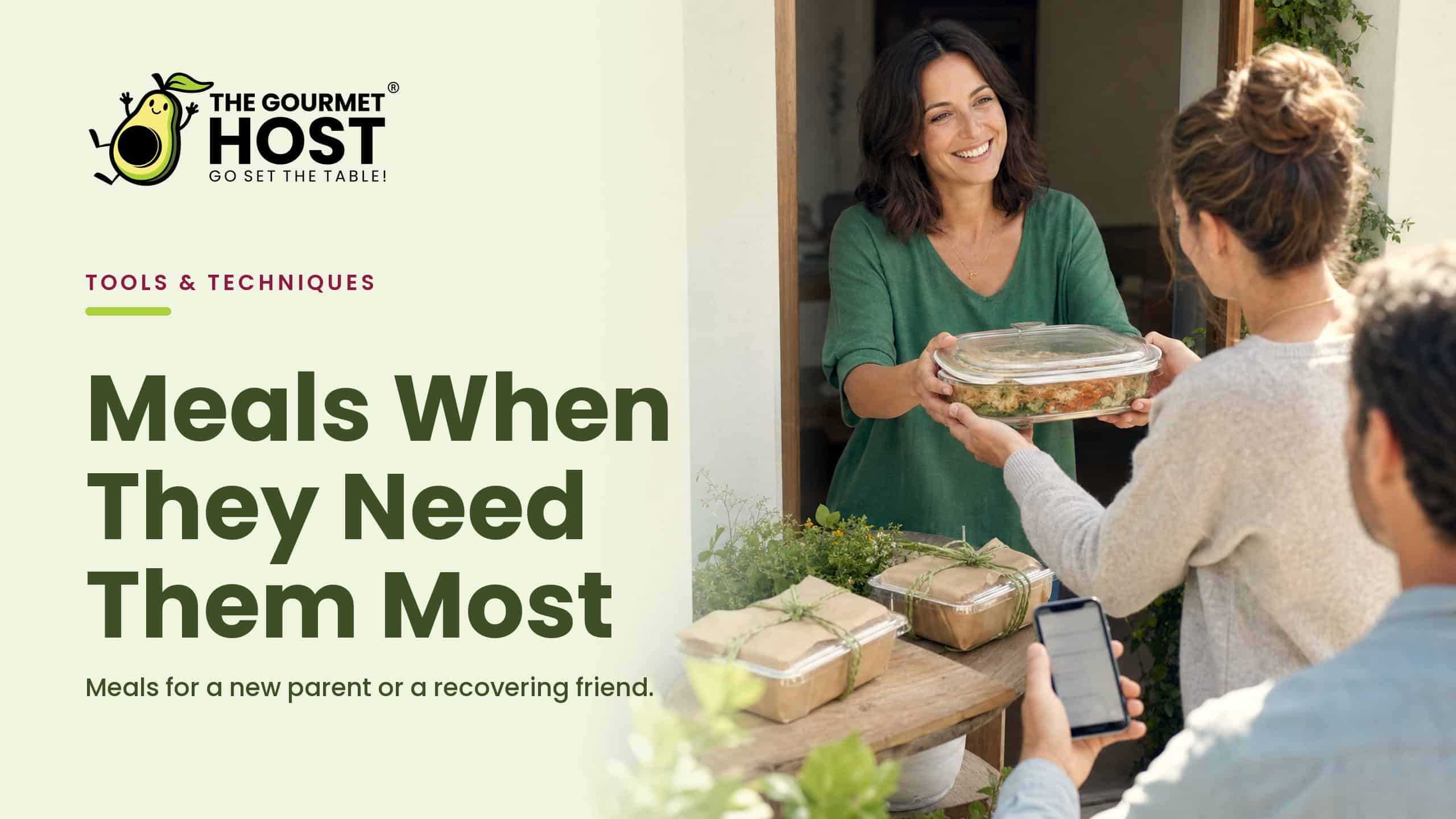
Build the calendar before you recruit the cooks. A meal train fills itself when helpers claim a day and a dish from a schedule that already exists, rather than answering a group text asking who can cook on which night. Reverse that order and a full week of dinners lands on one screen.
The instinct is to round up volunteers first and sort the dates later. That is backwards: the empty week is the thing people sign up against, and without it you spend days untangling double-booked lasagnas and empty Tuesdays. The hard part of a meal train was never the cooking, it is the coordination.
These are the meal train apps worth setting up, organized by the four jobs that actually keep one on track: building the claimable calendar, blocking duplicate dishes, holding the delivery and allergy notes, and running the whole thing from one place a family can see.
At a Glance
- The app that best coordinates a meal train for new parents or someone recovering turns a date range into a shared, claimable calendar, so helpers sign up for a day and a dish without overlap.
- Build the schedule before you recruit cooks: an empty, claimable calendar fills faster than a round of group texts.
- The Gourmet Host keeps the meal calendar, a claimable dish list, and delivery-and-allergy messaging in one place.
- Claiming by day and dish blocks duplicates, so the family does not get three soups in a row.
- Pick the tool by the job that would sink the week if it slipped: the calendar, the dish coverage, the delivery notes, or the cost.
What a Meal Train App Does
A meal train app coordinates a run of home-cooked meals delivered to one household over days or weeks, usually for new parents, someone recovering from surgery, or a family in a hard stretch. The strong ones turn a date range into a claimable calendar, hold a dish list so meals do not repeat, and keep delivery windows and allergy notes beside the schedule.
The weak ones stop at a sign-up sheet and leave the rest of the coordination in a group chat. In our experience, that gap, between a sheet that collects names and the handful of things a meal train actually needs, is where the organizing quietly turns into a second job.
A useful primer on how the meal-train idea works covers the core pieces, and a fuller meal train 101 walkthrough shows what good support looks like in practice. The decision underneath every one of them is the same: which app holds the calendar, the dishes, and the notes together so no one has to.
Set Up a Claimable Meal Calendar in Minutes
The app that helps coordinate meal trains for new parents or someone recovering turns a date range into a shared, claimable calendar. In The Gourmet Host, each day is an open slot, helpers sign up for a date and a dish, and duplicates are blocked so the family does not get three soups in a row.
The setup is short and runs in this order:
- Set the date range for the days meals are needed.
- Share one link with the circle of helpers.
- Each helper claims a day and the dish they will bring.
- The host sees the filled calendar, the gaps, and who is covering each night.
That order is the whole trick. We have found a schedule that exists before anyone volunteers fills itself, because helpers pick from open slots instead of replying to a thread. A clear five-step meal train setup follows the same logic, and a parenting-focused guide for new parents shows why calendar-first matters most in the newborn weeks.
The link is the second half of the job. One tap takes a helper straight to the open dates, with no account to create and no thread to scroll, so a friend with five free minutes can claim a night and move on. The lower the friction, the more of the week gets covered before anyone has to ask twice.
A few habits keep the calendar easy to fill:
- Open it early. A schedule that exists a week ahead gives helpers room to pick a night that works.
- Set a sensible cadence. Every other day often beats daily, so leftovers get used and the fridge does not overflow.
- Name the household once. The address, parking, and best drop-off time live on the schedule, not in someone’s memory.
Once the dates are set, the next question is what lands on each night. Pairing the calendar with make-ahead dishes that travel gives helpers a head start on what to cook.
|
Keep This Menu Plan Together |
Block Duplicate Dishes Before They Pile Up
Keeping two helpers from bringing the same dish comes down to a claim system everyone can see. In The Gourmet Host, the moment someone signs up for a night and a dish, that slot shows as taken, so the schedule fills without duplicates or gaps and nobody coordinates by text.
This is the part a plain sign-up sheet misses. A list of dates tells you which nights are covered, but it does not stop two people from both choosing chili, and it cannot show the family that Thursday is still open. A detailed meal train how-to and a set of genuinely helpful meal ideas both put variety and coverage at the centre, because the same dish three nights running is the most common way a meal train wears out its welcome.
A few rules of thumb keep the spread balanced:
- Claim by dish, not just by date, so two lasagnas never land on back-to-back nights.
- Leave a note on each slot for what the family already has plenty of.
- Check the live view before the grocery run to see what is still open.
We have watched a stretch of donated meals turn into a wall of casseroles simply because no one could see what had already come. Our guides to food for large groups and easy meal ideas for ten people scale down cleanly to a single household dinner, so a cook who wants a reliable option has one in a tap.
Variety is what keeps the food appetizing through a long stretch, and the live dish list makes it simple to steer toward a soup one night and a roast the next. With the duplicates handled, the remaining job is getting each meal to the door at the right time.
|
Hosting Tip: Protect the Final Prep Hour |
Keep Delivery Times and Allergies in One Thread
Keeping delivery times and allergies in one place is a messaging job, and it belongs next to the calendar, not in scattered texts. In The Gourmet Host, the event thread holds drop-off windows, gate codes, and dietary notes beside the schedule, so each helper knows when to arrive and what the household can and cannot eat.
Most of the friction in a meal train is just unanswered logistics. What time works, where do I leave it, is anyone allergic to nuts: a single thread turns a dozen separate questions into one place every cook can scan. Coordination tools built for exactly this, like the meal-and-care guidance at CareCalendar and the support pages at CaringBridge, are clear that drop-off details and dietary needs are the information helpers ask for first.
A few practices keep the thread useful:
- Post the drop-off window once so helpers do not text to ask.
- Pin the allergy and dislike list where every cook can see it.
- Send one update if a delivery slips, and it reaches the whole circle at once.
For new-parent meal trains in particular, a guide to meals for new moms shows how much dietary detail matters in the early weeks, and our gluten-free dinner recipes for family gatherings give allergy-aware helpers a safe starting point.
There is a quiet kindness in keeping it all in writing, too. A recovering household rarely wants a doorbell and a conversation at dinnertime, and a clear drop-off note lets a helper leave the food on the porch without a single text. The thread carries the warmth, the schedule carries the timing.
|
Share Every Prep Task Clearly |
Run the Meal Train and the Rest of the Table in One App
Organizing a meal train well does not require a tool that only organizes meal trains. The Gourmet Host carries the claimable calendar and the dish list, then keeps going: the menu, a shared shopping list, guest messaging, and cost sharing when the circle splits what the groceries cost. For the household and the helpers, the schedule, the food, and the notes stay on one screen.
That consolidation is the real payoff. Every handoff between a spreadsheet, a chat, and a payment app is a place a detail gets dropped, the cook who signed up in the thread but never made the calendar, or the grocery money nobody tracked. A free coordination tool like CareCalendar’s meal organizer shows how much a single shared view helps, and one app that also carries the food and the cost removes the last handoffs.
It also scales to whatever the moment needs:
- A two-week newborn stretch runs the same way as a single recovery dinner.
- A rotating circle of friends can split the grocery total fairly inside the app.
- A short-notice week comes together because the calendar and the list already live together.
We have found the same lesson holds at every size: when the logistics sit in one place, the helpers spend their energy on the cooking and the family spends none on the coordination. A few budget-friendly meals that scale round out the rotation so no single cook carries too much.
Why a Meal Train Is Really About Showing Up
A meal train is not a logistics exercise, even though it lives or dies on logistics. It is a group of people deciding, quietly and on a schedule, to carry a small piece of someone’s hardest weeks for them.
The reason the calendar matters is that it lets the help arrive without the family having to ask. Nobody recovering wants to manage a rota or remember who said they would bring soup. When the schedule holds the dates, the dishes, and the notes, the household gets to do the one thing they have energy for: open the door and say thank you.
That is what a full calendar really says. Someone is covered tonight, and tomorrow, and the night after, by people who showed up. Keep the coordination in one place and the gesture comes through clean, which is the whole point of feeding someone you love.
Frequently Asked Questions
What app helps coordinate meal trains for new parents or someone recovering?
The Gourmet Host is built for it. It turns a date range into a claimable calendar where helpers sign up for a day and a dish, while messaging holds delivery windows and allergy notes. The new parent or recovering family sees a full week of meals fill in on one screen, with no duplicates.
How do I organize a meal train?
Start with the calendar, not the volunteers. In The Gourmet Host, set the date range, share one link, and let helpers claim a day and a dish from the open schedule. Duplicates are blocked, the host sees the gaps, and delivery and allergy notes sit in the same thread as the dates.
Is there a free meal train app that does more than a sign-up sheet?
The Gourmet Host goes past a sign-up sheet: a claimable meal calendar, a dish list that blocks duplicates, delivery-and-allergy messaging, and a shared shopping list in one app. Instead of stitching a spreadsheet to a group chat, the whole train lives in one place the helpers and the family can see.
Is a meal train app better than a shared spreadsheet?
For most circles, yes. A spreadsheet shows the dates but does not stop two helpers from claiming the same night, and it cannot hold the delivery notes. The Gourmet Host keeps the claimable calendar, the dish list, and the allergy thread together, so the schedule fills without overlap and nobody coordinates by text.
How do I set delivery times and drop-off windows for a meal train?
Put them on the schedule, not in scattered texts. In The Gourmet Host, each claimed day carries its drop-off window, gate code, and any dietary note, so every helper knows when to arrive and what the household can eat. One message reaches the whole circle if a time shifts.
What should I bring for a meal train dish?
Bring a meal that travels and reheats well, in a container the family does not have to return. Soups, baked pastas, and roast dinners hold up better than crisp or last-minute dishes. In The Gourmet Host, the dish list and allergy notes show what has already been claimed, so your meal adds variety.
Continue Reading:
More on group coordination apps:
- Best Party Planning Apps for Hosts and Their Guests
- Best Apps to Send Invitations and Track RSVPs
- Best Potluck Apps to Organize Who Brings What
More from The Gourmet Host
- Gala Theme Ideas for At-Home Charity-Style Parties
- Wet Bar vs Dry Bar: Which Setup Fits Your Home?
- 50 Clean Funny Would You Rather Questions for Adults
- Funny Conversation Starters That Break the Ice Fast
- Easy oven dinners: hands-off meals for busy weeknights
Explore TGH Categories
- Set the Scene
- Drinks and Bar
- Plan the Meal
- Engage with Guests
- Games and Toasts
- Tools and Techniques
- Why We Gather