5 Digital Invitations for Wedding Events to Send
 10 min read
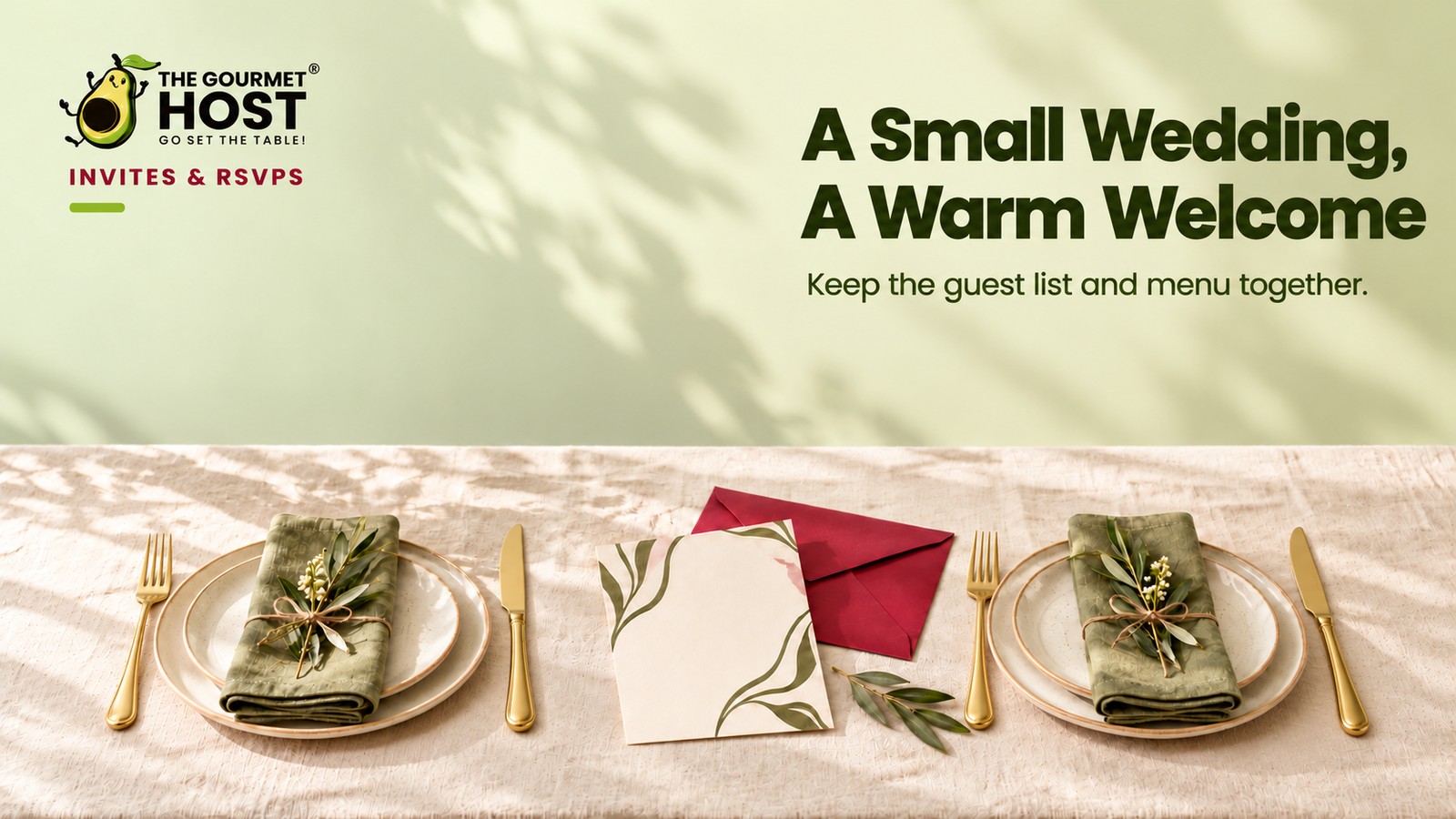
Modern wedding communication shifts logistics off paper and onto instant, trackable screens where RSVPs arrive the moment guests read them.
“Did we ever get a reply card from the cousins?” you ask. Your partner checks the mailing spreadsheet and shakes their head. You wait three weeks for postal returns, hoping nobody lost the envelope.
Traditional reply suites are not a charming quirk. They are a logistics bottleneck, and relying on slow mail means you order catering on guesswork. Move the communication to immediate delivery, track opens instantly, and you gain back the planning margin that physical postage consumes.
Below are five wording layouts for digital wedding communication organized by event phase, so you can send trackable notices that lock down your final headcount on time.
At a Glance
- Digital save-the-dates secure calendars six to eight months ahead of a local ceremony.
- Customized online formats replace physical postage with trackable email and text delivery.
- Pre-wedding event designs handle bridal showers and rehearsal dinners with separate guest lists.
- Built-in RSVP dashboards capture dietary restrictions alongside headcount numbers in real time.
- Scheduled follow-up messages catch late responders two weeks before the final catering deadline.
How Do Online Systems Change Wedding Planning?
Digital wedding communication requires specific wording that fits the medium without sacrificing the tone of the occasion. Sending cohesive event updates via email or text allows hosts to bypass postal delays while maintaining formal aesthetics through customizable digital print wedding invitations. You receive five complete phrasing layouts, handing you the exact text required to manage your guest list online.
Those templates provide the complete answer. The exact text handles the execution.
Design Control: Customizing Templates for Your Event Aesthetic
Launching an engagement announcement via digital wedding invitations with RSVP tracking eliminates design limitations entirely. Modern platforms offer complete creative control over your online templates. You can match the digital aesthetic directly to your planned color palette or floral arrangements before finalizing the venue.
A set of 150 printed wedding invitations traditionally restricts your ability to alter visuals late in the process.
Digital platforms provide customizable elements, allowing you to swap fonts, background textures, and envelope animations with a single click. You shift your focus toward the visual details instead of paper weight.
Going digital guarantees your artistic vision displays correctly. Exploring the best apps to send invitations and track your RSVPs reveals platforms with extensive template libraries built specifically for modification. You can build a fully personalized experience for your guests without hiring a dedicated graphic designer.
Focus on adjusting these specific visual elements inside your chosen layout.
- Color palettes: Adjust the background hues and text colors to coordinate directly with your floral arrangements or venue styling.
- Typography styling: Swap out default fonts for elegant scripts or modern sans-serif options to establish the formal tone of the event.
- Digital envelopes: Select custom liner patterns, digital stamps, and opening animations to replicate the experience of opening physical mail.
The exact timeline for sending the official date comes next.
|
Track RSVPs In Real Time |
Digital Designs: Customizing Wedding Invitations
Customizable options let couples build a visual theme before printing anything. These online builders lock in the aesthetic and point guests toward a central hub.
Creating digital invitations provides flexibility that paper cannot match, especially when checking a digital save the dates guide for inspiration. Giving users this creative control ensures they build layouts exactly to their liking. Online formats specifically excel at connecting visual choices directly to the recipient.
Digital platforms allow couples to upload custom illustrations so guests see a cohesive theme alongside save the date wording and event details. That digital format prevents lost paper cards. Just as you would format early graduation party invitations wording, adjusting the text placement early prevents layout conflicts.
Below is a layout example for these digital templates.
- The formal layout centers the names of the couple above the specific date and city, followed by a clickable hyperlink directing users to the primary website for accommodations.
This structured layout requires specific visual adjustments across the entire suite.
Core Digital Design Elements
| Design Element | Customization Interface | Visual Result |
|---|---|---|
| Typography selection | Custom font file uploads | Matches specific wedding branding |
| Color palette | Hex code input fields | Coordinates with physical decor |
| Layout structure | Drag-and-drop text boxes | Centers primary event details |
| Background art | Uploaded illustration files | Frames the digital envelope |
These flexible styling options adapt easily for managing bridal showers and pre-wedding gatherings.
Managing Bridal Showers and Pre-Wedding Gatherings
Pre-wedding events pull from a smaller segment of the master guest list. Handling these separately prevents confusion and keeps the main wedding dashboard clean.
You need a system that handles nuanced privacy, as you only want the wedding party seeing the rehearsal timeline. According to Evite guidelines cited by Blue Nile, upgrading to premium digital invitation services enables couples to design fully custom suites and add personal photos to personalize their wedding e-vites. Those premium tools let you build distinct pages for each event under one account.
Use these text layouts for digital wedding shower invitations and rehearsal dinners.
- For the bridal shower: Write, “Join us for a bridal shower honoring [Name] on [Date] at [Time] at [Location].” Add the host names, an RSVP deadline, and a note requesting recipes instead of boxed gifts.
- For the rehearsal dinner: Write, “Before they say ‘I do,’ please join the wedding party for a rehearsal dinner celebrating [Name] and [Name].” Complete the invite with the date, time, location, and an RSVP link.
Finding a strong Evite alternative ensures you have the premium features necessary to host these smaller moments. Serving one of your favorite lazy dinner ideas at the rehearsal keeps the evening relaxed before the main event.
The main ceremony requires a slightly different tone.
|
Hosting Tip: Set the RSVP Deadline Three Weeks Early |
Selecting Customizable Digital Wedding Invitation Designs
The primary digital invitation demands visual clarity and aesthetic structure, even on a screen. The chosen design dictates the mood of the entire evening and gives guests their first clue about the venue.
Customizable digital wedding invitation designs mirror traditional paper aesthetics and easily adapt to match the physical space. Selecting a unified visual theme based on digital wedding invitation etiquette keeps the presentation from looking disjointed. The layout matters just as much as the selected colors.
A strong layout reserves specific aesthetic motifs for ceremonies held in places of worship, while using modern typography for all other venues. Matching the venue to the visuals sets accurate expectations. You might evaluate the Paperless Post cost when selecting these elegant typographies.
Load these three design concepts directly into your preferred digital wedding invitations maker.
Visual Template Options
- A classic floral template layers botanical borders with formal script fonts to mirror the structure of a historic estate celebration.
- A minimalist geometric layout relies on generous white space and clean sans-serif fonts to announce a modern gallery or industrial warehouse reception.
- A watercolor landscape design features soft edges and vibrant natural colors to complement a casual outdoor ceremony or backyard barbecue event.
Complex logistics require a deeper layer of communication.
|
Share The Planning Workload |
Formatting Complex Reception and Destination Details
When the celebration moves across town or across the ocean, guests need immediate access to maps and schedules. Digital formats hold infinite information without requiring extra insert cards.
Couples can coordinate custom wedding websites with matching digital invitations and built-in QR codes for direct guest communication. Scanning a code from a digital print wedding invitations file pulls up hotel blocks instantly. This is especially helpful as guests prepare to hear your wedding welcome speech template upon arrival.
Use these layouts for intricate Etsy digital wedding invitations.
- For a reception-only event: write: “Following a private morning ceremony, please join [Name] and [Name] for cocktails and dinner at our wedding reception on [Date] at [Time] at [Venue].”
- For a destination weekend, write: “Pack your bags and join [Name] and [Name] for a wedding weekend in [City, Country] with the main event on [Date] at [Time]. Scan the QR code for full travel itineraries and accommodation details.”
Applying your finalized design elements to day-of stationery keeps the event visually consistent. Your immediate next move is assigning early confirmed guests into matching place setting card groups, so the final table chart only requires minor formatting adjustments when the deadline hits.
Frequently Asked Questions
When is the appropriate time to text a wedding invite?
Texting a wedding invitation works best six to eight weeks before a local ceremony. Sending the link directly to a smartphone guarantees immediate delivery. Hosts should ensure every household receives their notification simultaneously so friends and family hear the news together.
Should older guests receive a physical card instead of a link?
Older guests can successfully navigate an emailed link when the interface remains simple. A straightforward digital reply button often proves easier than walking a physical card to the mailbox. If a guest struggles, a host can manually enter their verbal confirmation into the online dashboard.
How do you request a formal dress code on an online design?
Requesting a formal dress code requires placing the exact attire expectations on the main digital card. Add a brief line like “Black Tie Requested” in the lower corner of the design. A secondary details tab can expand on the guidelines if the venue requires specific footwear.
What happens if an emailed save-the-date goes to a spam folder?
An emailed save-the-date that lands in a spam folder will remain unread until the sender follows up. Digital dashboards track open rates, allowing hosts to see exactly who missed the message. A quick personal text with the direct link immediately resolves the delivery failure.
Can couples track dietary preferences through a paperless system?
Couples can effortlessly track dietary preferences by adding a custom question to their digital reply form. Guests type their allergies or restrictions directly into the digital field when accepting the invitation. This data exports neatly into a spreadsheet for the catering team.
Is a virtual invitation considered tacky for a black-tie ceremony?
A virtual invitation is widely accepted for black-tie ceremonies when the design matches the formality of the event. Selecting an elegant layout with traditional typography establishes a luxurious tone immediately. High-end digital delivery signals modern efficiency rather than a lack of taste.
Continue Reading:
More On Canvas digital invitations:
- 12 Canvas Digital Invitations to Get for Free Now
- 8 Birthday Digital Invitations to Customize Today
- 10 Digital Invitations Birthday Hosts Will Love
- 6 Save Date Online Invitations to Lock Calendars
- 8 Digital Graduation Invitations to Download Now
More from The Gourmet Host:
- Best Free RSVP Invitation Apps (Updated September 2026)
- Evite Alternative: A Free Invitation Maker That Cooks
- Paperless Post Cost: Coins Pricing vs The Gourmet Host
- Partiful vs Evite vs Gourmet Host for Party Invites
- place setting card
Explore TGH Categories: